Install DayZ Workshop mods from the control panel Steam Workshop page, then follow the mod author instructions for keys, dependencies, mission edits, permissions, and load order. DayZ mods often need more than just pressing Install.
- Open your DayZ server in the control panel.
- Click Backup Server.
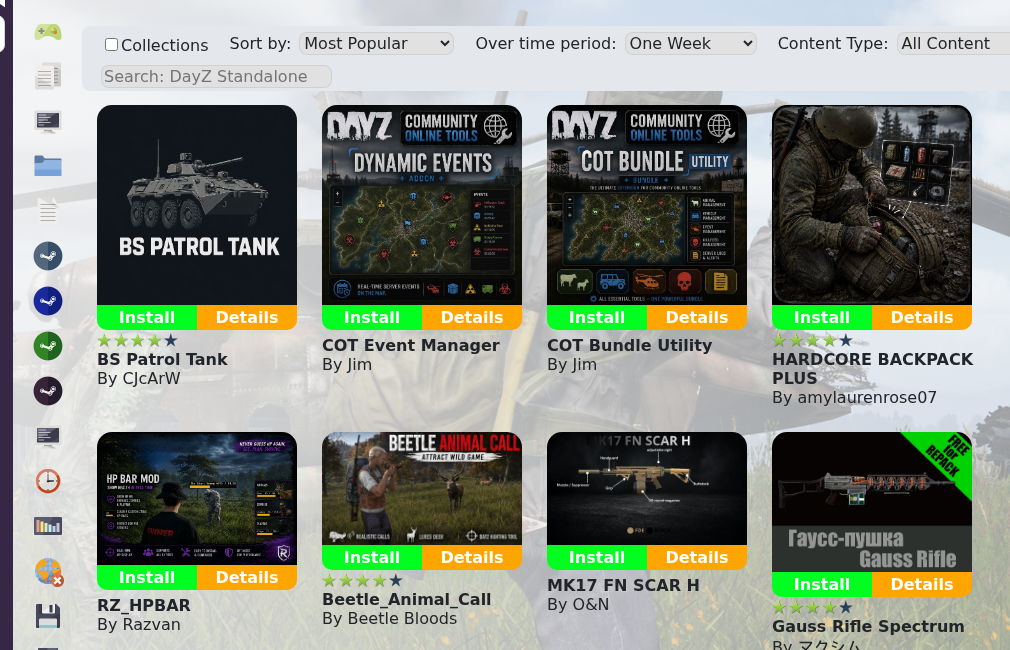
- Click Steam Workshop.
- Search for the mod you want to install and verify the title and author before clicking Install.
- Install any dependency mods listed by the author.
- Open the mod's Workshop page and check for required key files, mission files, permissions, config files, and startup parameters.
- If the mod includes a
.bikeyfile, upload or copy it into the serverkeysfolder.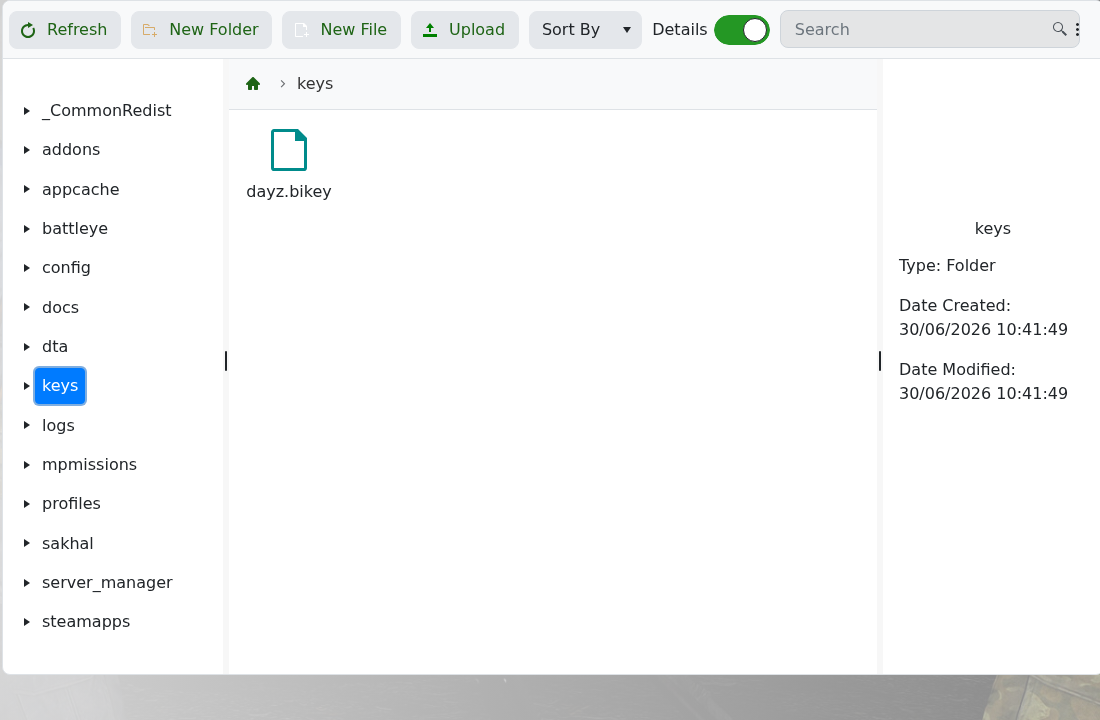
- If the mod requires mission edits, open the active mission folder under
mpmissionsand edit the files named by the author. - Restart the server and check the logs.
If a mod author gives custom install steps, follow those over a generic guide. If the server will not start after installing a mod, include the Workshop link and latest log output when you submit a support ticket.
