DayZ map selection is controlled from serverDZ.cfg. Use the Config Editor map dropdown when switching to Livonia, then restart the server. Make a backup first because changing maps can create a separate mission save state.
- Open your DayZ server in the control panel.
- Click Backup Server if the current save matters.
- Click Configuration Files.
- Open
serverDZ.cfgwith Config Editor. - Change Map to the Livonia mission option.
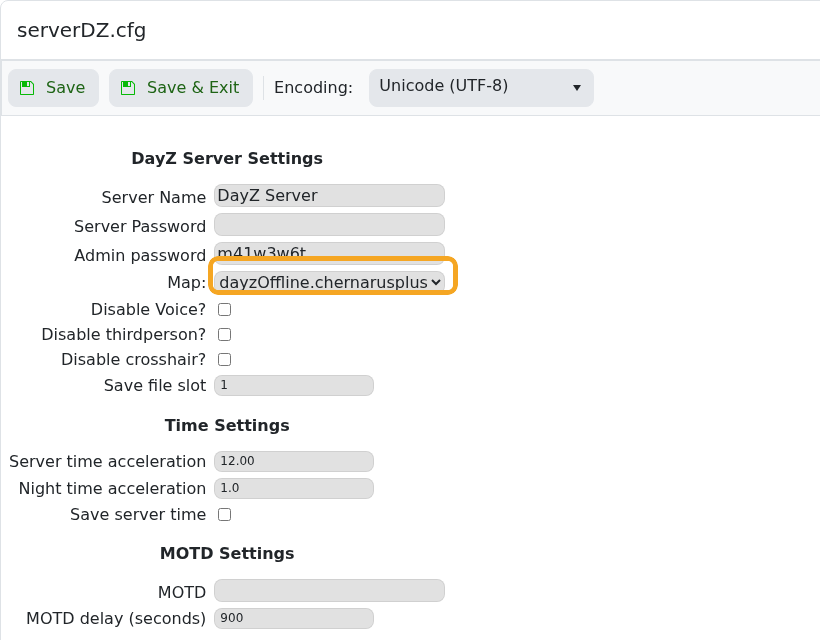
- Click Save & Exit, then restart the server.
Players need the Livonia DLC to play on a Livonia server.
Before changing settings
Create a backup before changing world, map, security, or gameplay settings on an active DayZ server. Some settings only apply after a restart, and some only affect newly generated worlds.
Verify the change
After saving, restart the server and check the console for errors. Join the server or ask a player to test the changed behaviour before making further edits.
