You can join your Factorio server directly using the IP address and port shown on your control panel.
If this is a brand new server, make sure you have created or uploaded a save first: Initial setup for your Factorio server.
Joining by direct connect
- Start your Factorio server from the control panel.
- Copy the server IP address and port from the control panel.
- Open Factorio on your PC and click Multiplayer.
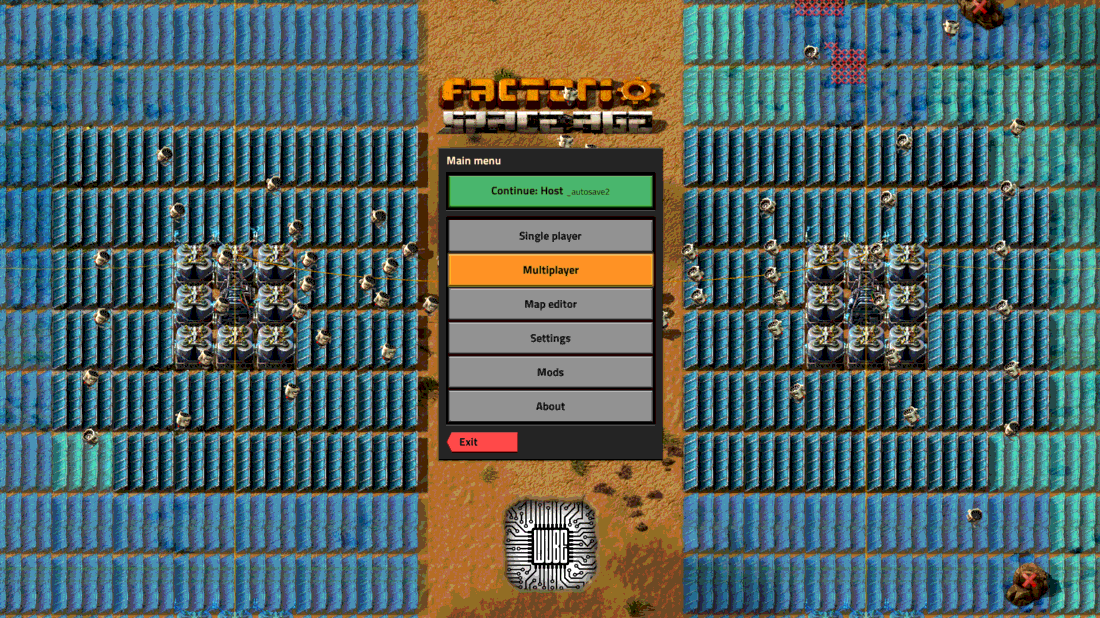
- Click Connect to address.
- Enter the server address using the IP and port from your panel.
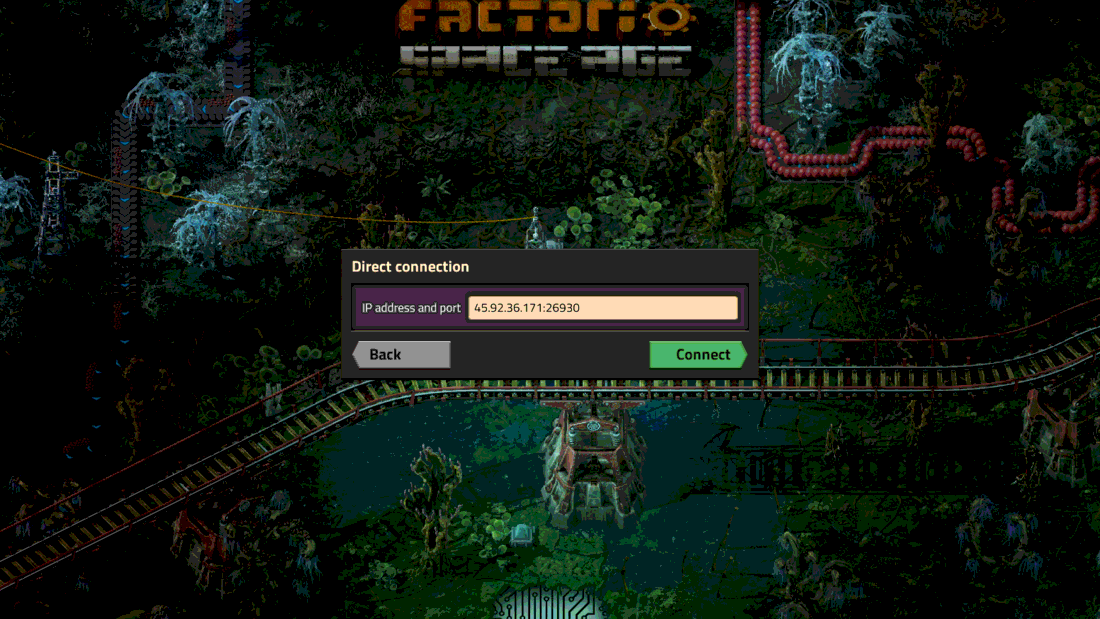
- Click Connect. If your server has a password set, Factorio will ask for it before joining.
If the connection fails, check that the server is online and that the save has finished loading in the console.
