Breeding, hatching, maturation, and imprint settings are usually edited in Game.ini. Use careful values, because very high breeding settings can make imprint timing difficult.
- Open your ARK server in the control panel.
- Click Configuration Files.
- Open
Game.iniwith Config Editor or Text Editor.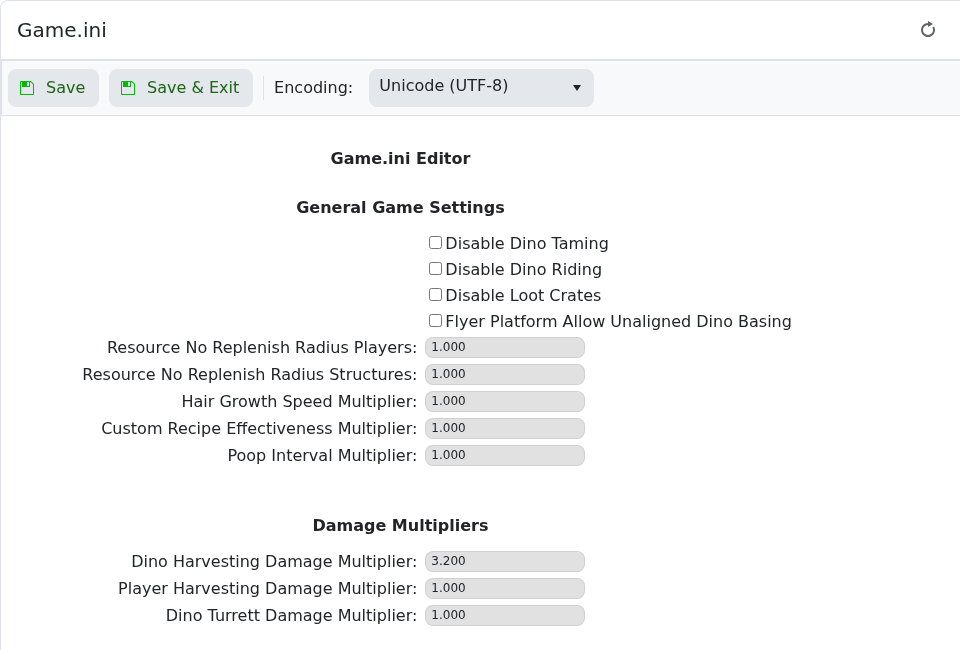
- Add or edit the settings under
[/Script/ShooterGame.ShooterGameMode]:[/Script/ShooterGame.ShooterGameMode] MatingIntervalMultiplier=0.1 EggHatchSpeedMultiplier=32.0 BabyMatureSpeedMultiplier=32.0 LayEggIntervalMultiplier=0.3 BabyCuddleIntervalMultiplier=0.1 - Click Save & Exit, then restart the server.
| Setting | What it does |
|---|---|
MatingIntervalMultiplier | Controls how long dinos wait before they can mate again. Lower values reduce the wait. |
EggHatchSpeedMultiplier | Controls egg hatch speed. Higher values hatch faster. |
BabyMatureSpeedMultiplier | Controls how quickly babies mature. Higher values mature faster. |
BabyCuddleIntervalMultiplier | Controls the imprint cuddle interval. Lower values shorten the interval. |
