Platform multipliers control how many structures can be placed on platform saddles and rafts. Increase these carefully, as very high values can affect performance.
- Open your ARK server in the control panel.
- Click Configuration Files.
- Open
GameUserSettings.iniwith Text Editor or Config Editor.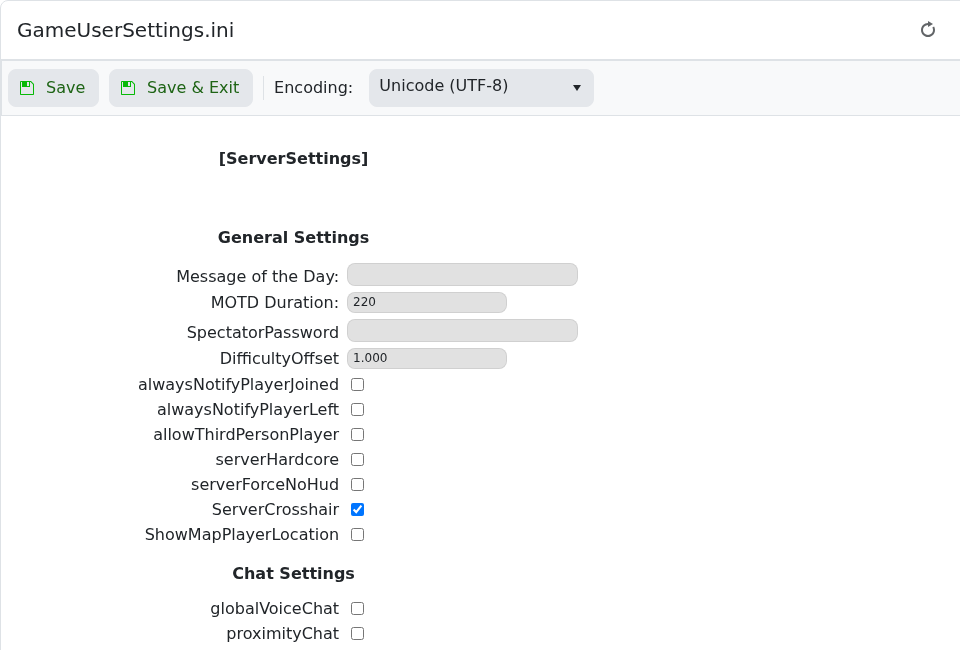
- Add or edit these values under
[ServerSettings]:PerPlatformMaxStructuresMultiplier=2.0 MaxPlatformSaddleStructureLimit=100 - Click Save & Exit, then restart the server.
| Setting | What it does |
|---|---|
PerPlatformMaxStructuresMultiplier | Multiplies the normal platform structure limit. For example, 2.0 allows roughly twice the usual amount. |
MaxPlatformSaddleStructureLimit | Sets a direct structure limit for platform saddles and similar platform builds. Use moderate values to avoid performance issues. |
If players build large platform bases, monitor server performance after increasing these values. Very high platform limits can increase save size and cause lag around large mobile bases.
