DayZ idle mode settings are stored in the active mission database file globals.xml. Change these values when you want loot processing to continue without waiting for players to be online.
- Stop the server.
- Open File Manager.
- Go to
mpmissions, open your active mission folder, then opendb.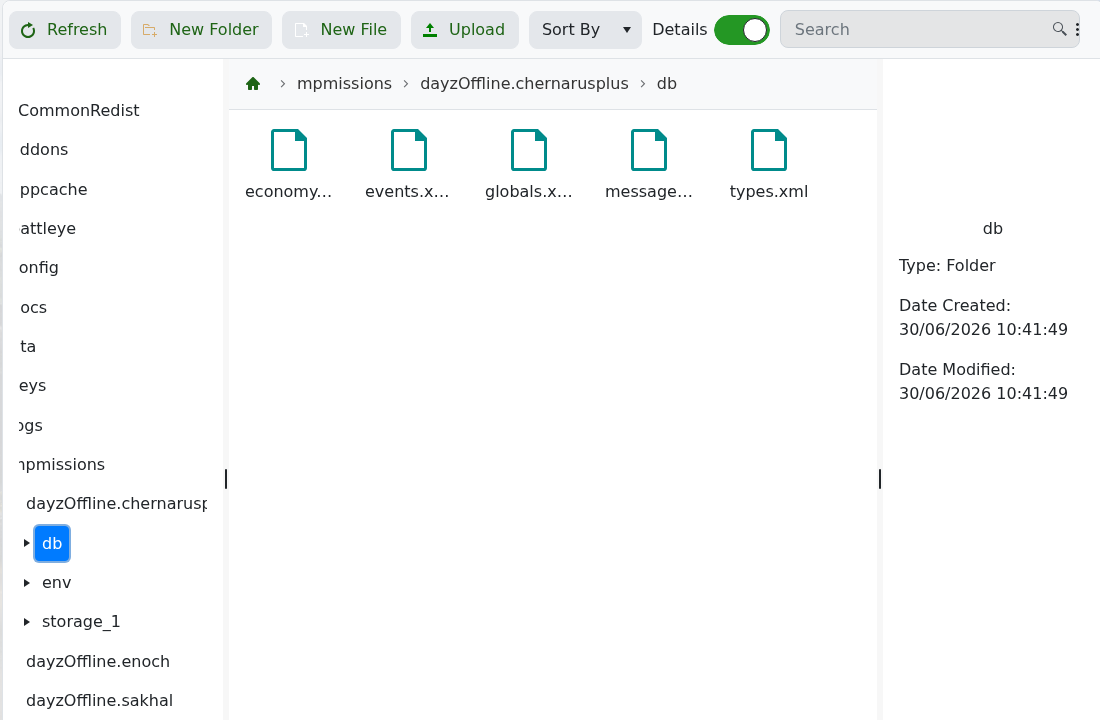
- Select or open
globals.xml.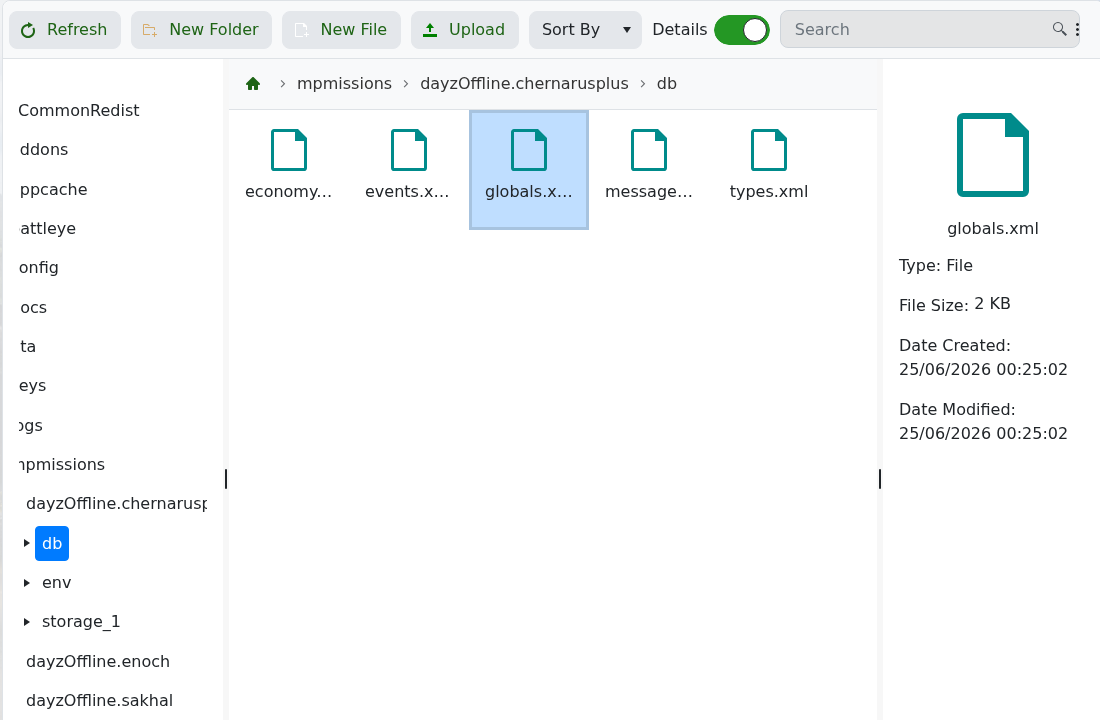
- Find
IdleModeStartupand set its value to0. - Find
IdleModeCountdownand set its value to0. - Save the file, then start the server.
<var name="IdleModeStartup" type="0" value="0"/>
<var name="IdleModeCountdown" type="0" value="0"/>
Take a backup before editing mission economy files. XML formatting errors can stop economy files from loading correctly.
Before you start
Make one change at a time and keep a note of what you changed. If the server is active, warn players before restarting or applying settings that may disconnect them.
If you get stuck
Check the control-panel console or latest log output for errors. If you submit a support ticket, include the server name, the change you made, and the exact error message.
