Use Steam Update when DayZ releases a server update or players see a version mismatch. Back up before updating a modded server because Workshop content, mission files, or economy changes may also need attention after the update.
- Open your DayZ server in the control panel.
- Click Backup Server first if the current setup matters.
- Click Steam Update.
- Wait for SteamCMD to validate and update the DayZ server files. The output should show progress and finish with a completion message.
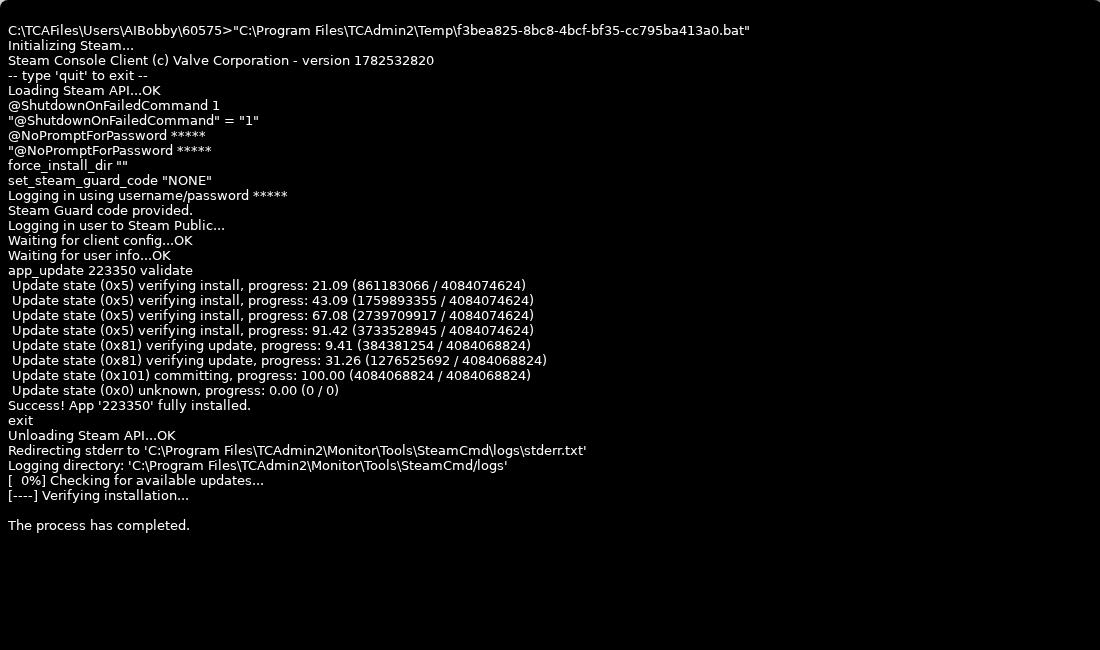
- Restart the server.
- Check the logs if the server does not come online.
For modded servers, also check Steam Workshop (updates) after a game update so installed Workshop items are not left behind.
Before updating
Create a backup first if the server has active progress, custom configuration, or mods. Tell players before restarting so nobody is disconnected during the update.
After updating
Start the server, check the console for startup errors, and join with an updated client. If the server uses mods, confirm the mods support the new game version before assuming the update failed.
