Update the dedicated server when Euro Truck Simulator 2 releases a patch or players receive a version mismatch.
- Ask players to leave and stop the server.
- Click Backup Server and wait for the backup task to finish.
- Click Steam Update and wait for the task to finish.
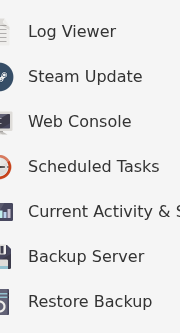
- Start the server and open Log Viewer to check for a normal session start.
- Update each game client before reconnecting.
If players still receive a version mismatch, confirm that Steam Update completed successfully and restart the service once.
