TCAdmin can create a server archive before you change settings or update the game. The resulting dated archive is available from Restore Backup.
- Stop the server.
- Click Backup Server and confirm the action.
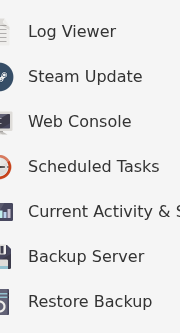
- Wait for the task to finish before starting the server or editing files.
To restore a panel backup, stop the server, open Restore Backup, select the required dated archive, tick Are you sure? and click Execute.

Restoring replaces files from the selected archive. Keep a second current backup until you have confirmed that the restored server starts correctly.
