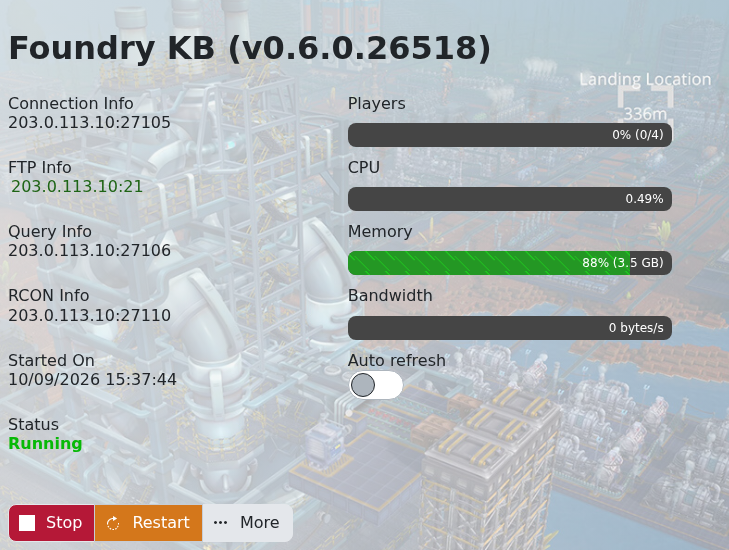
You can connect directly with the game address shown in TCAdmin. Use the main Connection Info port, not the FTP, Query or RCON port.
- Open the Foundry service in TCAdmin and copy the IP address and port from Connection Info.
- Start Foundry and open Multiplayer.
- Choose IP Direct Connect.
- Enter the server IP and game port, then connect. Enter the server password if one is set.
If the connection fails, confirm that the service status is Running and that your game is up to date. A public server can also appear in the server browser, but direct connect avoids delays while that list refreshes.
