Foundry selects its save through server_world_name in app.cfg. Giving it a new name leaves the existing world folder in place and prepares the server to use a separate world.
- Back up the server and keep a separate copy of
app.cfg, then stop it. - Open Configuration Files and click Text Editor beside
app.cfg. - Change only
server_world_nameto a new folder-safe name.
- Click Save & Exit and start the server.
- Join once so Foundry can initialise and save the new world.
server_world_name=NewFactory
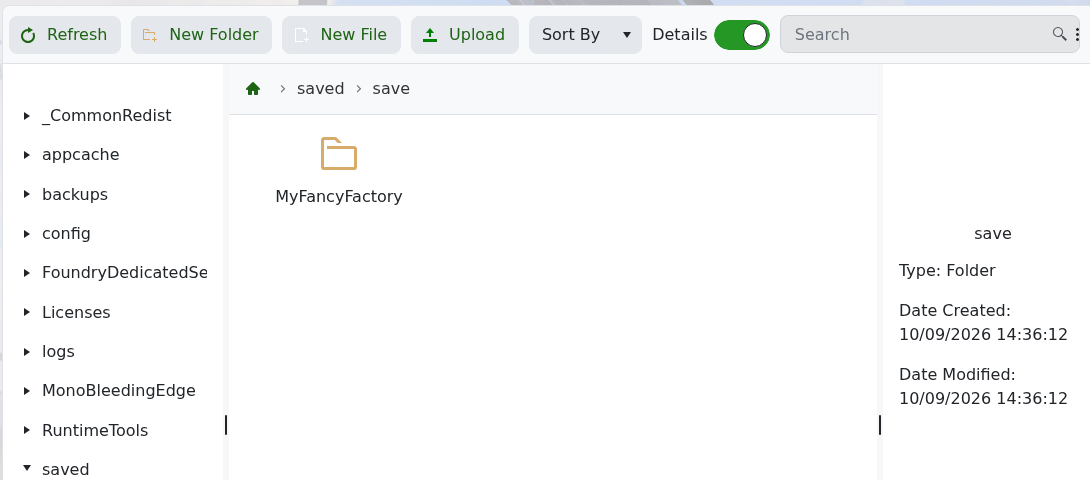
Worlds are stored below saved/save. Starting the service accepted the changed world name during testing, but it did not create the new folder before a player connected.
To return to the old factory, stop the server and restore its exact previous server_world_name.
