The current Foundry runtime log is saved/Player.log. TCAdmin also shows recent console output through Log Viewer.
- Reproduce the problem once and note the time.
- Open More and select Log Viewer, or open File Manager and browse to
saved/Player.log.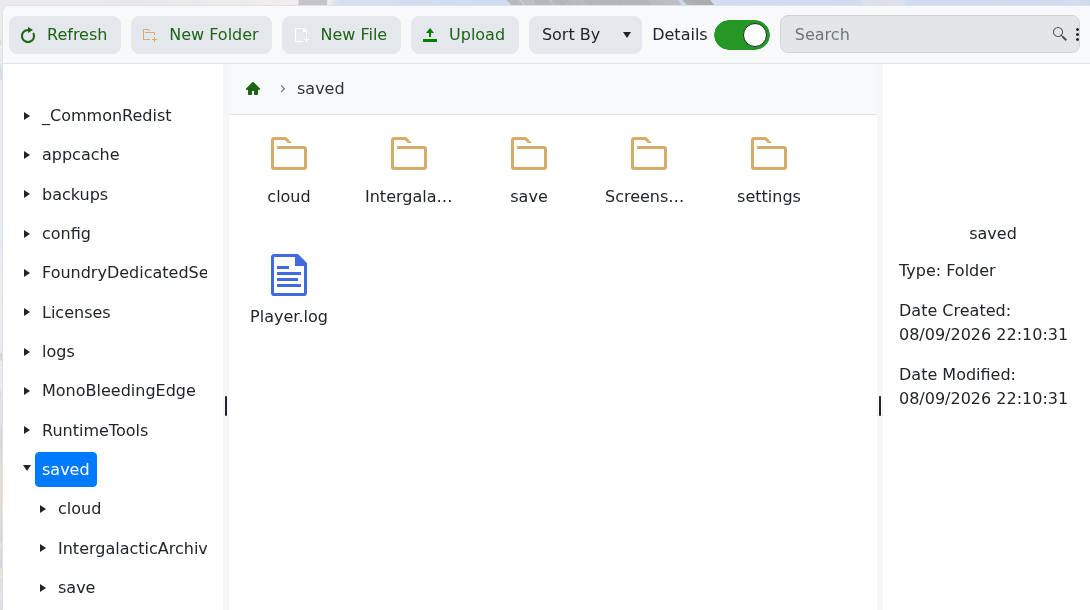
- Start with the latest server launch and find the first error, rather than only the final repeated message.
For connection problems, confirm the service reached Running and compare the player’s address with Connection Info. For a failed world load, check server_world_name and the folders under saved/save. Include the relevant log lines and the last change made when contacting support.
