Recover an earlier Myth of Empires configuration and world from a dated backup. Save a separate copy of any newer files you want to keep before restoring.
- Stop your Myth of Empires server in the game control panel and wait for it to stop.
- Open Restore Backup, choose the archive you want and tick Are you sure?.
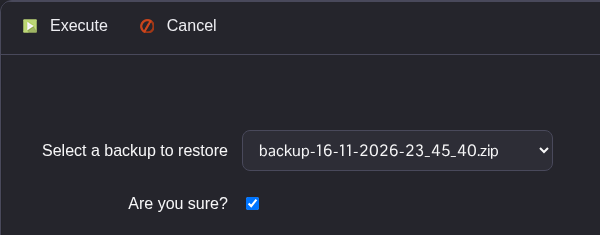
- Click Execute and wait until the restore script has finished successfully.
- Open Configuration Files and check
MOE\Saved\Config\WindowsServer\GameUserSettings.iniin Text Editor. Check the recovered settings before starting. - In your active Commandline Manager profile, keep the SaveID and map set to the values used by the restored world. Enter the SaveID explicitly; switching to Default may retain your latest value.
- Start the server and allow the world to finish loading before reconnecting.
