Change AddTameMulti when you want to adjust taming progress on your private Myth of Empires server. This example uses a multiplier of 2.
Use Text Editor for this change. The rate fields in Commandline Manager currently leave the saved rates unchanged.
- Open your Myth of Empires service in the game control panel and click Stop. Wait for it to stop before changing the settings.
- Open Configuration Files and click Text Editor beside
MOE\Saved\Config\WindowsServer\GameUserSettings.ini. - Find
[BaseServerConfig]and change the existing lines shown below. Keep the other entries in that section.[BaseServerConfig] AddTameMulti=2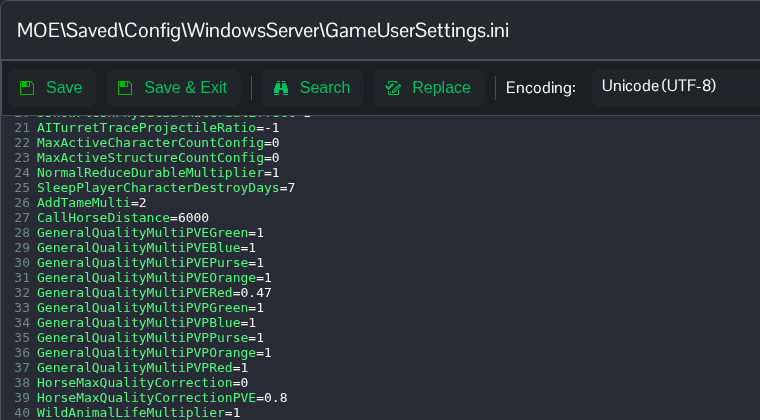
- Click Save & Exit, then start the server. Reopen the file after startup to confirm that your chosen values are still saved.
