Back up your Myth of Empires configuration and world before changing settings or switching save slots. Keep a separate downloaded copy when you need a long-term backup.
- Stop your Myth of Empires server in the game control panel and wait for it to stop.
- Open File Manager, which starts inside
MOE. Go toSaved/Config/WindowsServer, right-clickGameUserSettings.iniand choose Download. Copy your world files fromSaved/SaveGames/Worldtoo. You can also transfer these files using FTP.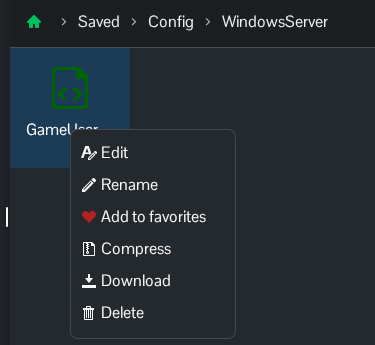
- Return to the service page, click Backup Server and confirm with OK.
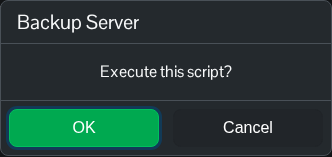
- Wait until the script reports that it has executed successfully. Open Restore Backup to check that the new dated archive is listed, then cancel the restore page.
The panel backup includes GameUserSettings.ini and the existing saved world under Saved/SaveGames/World.
