Set the game mode and team damage through the current configuration keys.
- Open your Night of the Dead service in the game panel and click Stop. Wait for it to show Stopped.
- Open Configuration Files, then Text Editor beside
ServerSettings.ini. Edit the existing keys in their matching sections rather than adding duplicate sections. - Find
[GameSettings/General]. UseMODSelect=0for PvP orMODSelect=1for PvE. SetNoTeamKill=1to enable the no-team-kill option.[GameSettings/General] MODSelect=0 NoTeamKill=1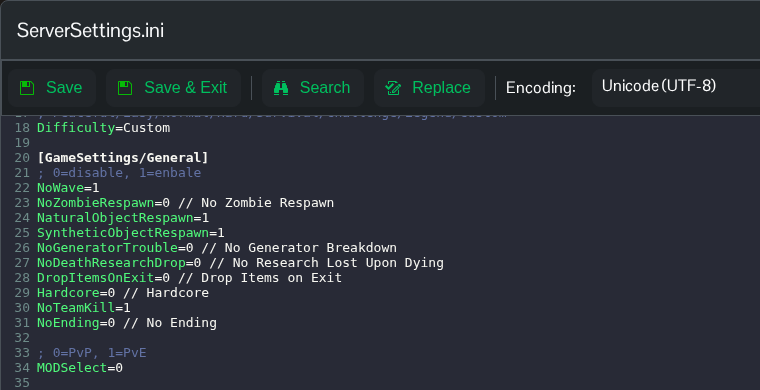
- Click Save & Exit, then return to the service page and click Start.
Use Text Editor for these settings. The panel’s Game Mode and No Team Kill controls do not update these keys in the current configuration.
