If your Factorio install creates Space Age saves by default, you can run a vanilla server by disabling the Space Age-related built-in mods before creating the save.
Disabling Space Age for a vanilla save
- Open your Factorio server in the control panel, stop the server, then take a backup.
- Open File Manager, then open the mods folder.
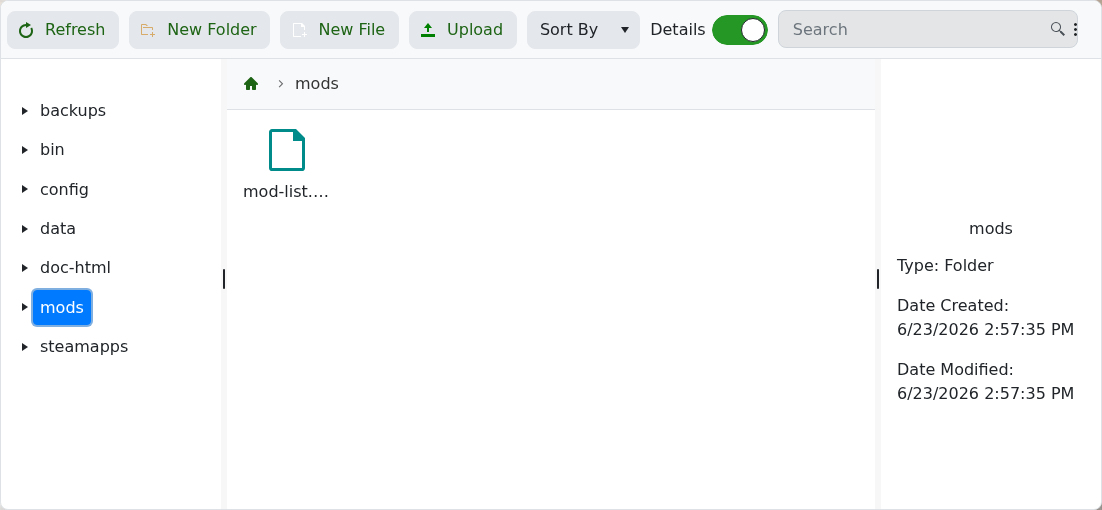
- Create or edit mod-list.json.
- Use this content to keep base Factorio enabled and disable Space Age, Quality, and Elevated Rails:
{ "mods": [ { "name": "base", "enabled": true }, { "name": "elevated-rails", "enabled": false }, { "name": "quality", "enabled": false }, { "name": "space-age", "enabled": false } ] } - Save the file, then create a new map from the control panel or upload an existing vanilla save.
- Start the server once the save is ready.
A Space Age save will not normally load as a vanilla save. Use a new vanilla map or upload a save that was created without Space Age enabled.
