
Wiping an ARK server removes selected save data so the server can start fresh. Take a backup first if there is any chance you may want to restore the old world, tribes, or players.
- Open your ARK server in the control panel.
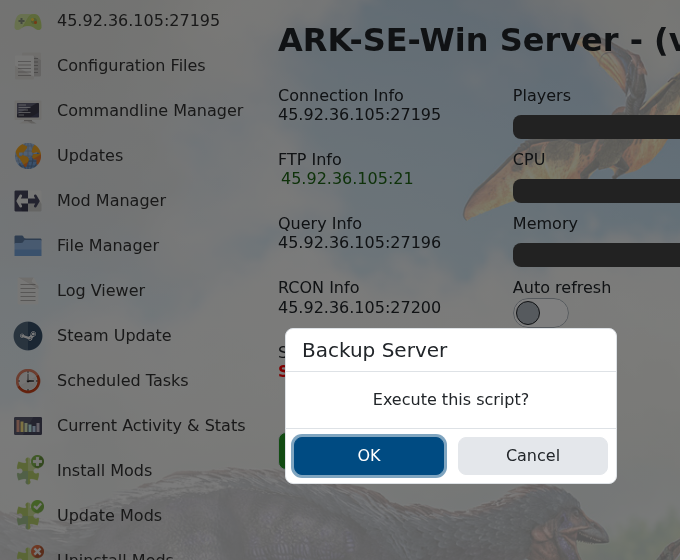
- Click Backup Server and wait for the backup to finish.
- Stop the server.
- Click Wipe Server.
- Choose the wipe options shown by the panel. Use the map/world option when you only want a new map, and player/tribe options only when you want that progress removed too.
- Confirm the wipe and wait for the task to finish.
- Start the server so ARK generates fresh save data.
The old article Wiping an ARK server map to start over is covered by this guide. If you only need to change map settings, change those first, then wipe before starting the server.


