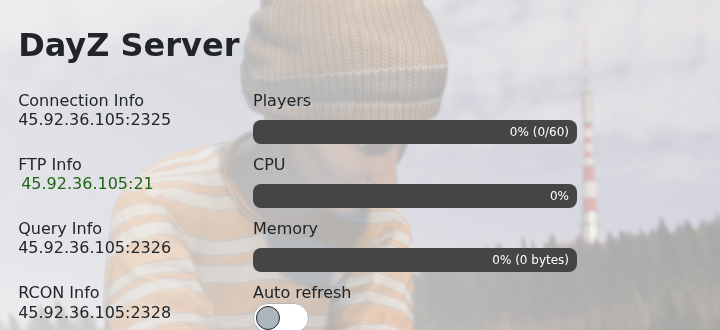
Use the address shown under Connection Info to join your DayZ server. DayZ also uses extra Steam query and BattlEye/RCON ports, so use the main game address from the panel when adding the server in-game or through Steam favourites.
- Open your DayZ server in the control panel and copy the IP and port from Connection Info.
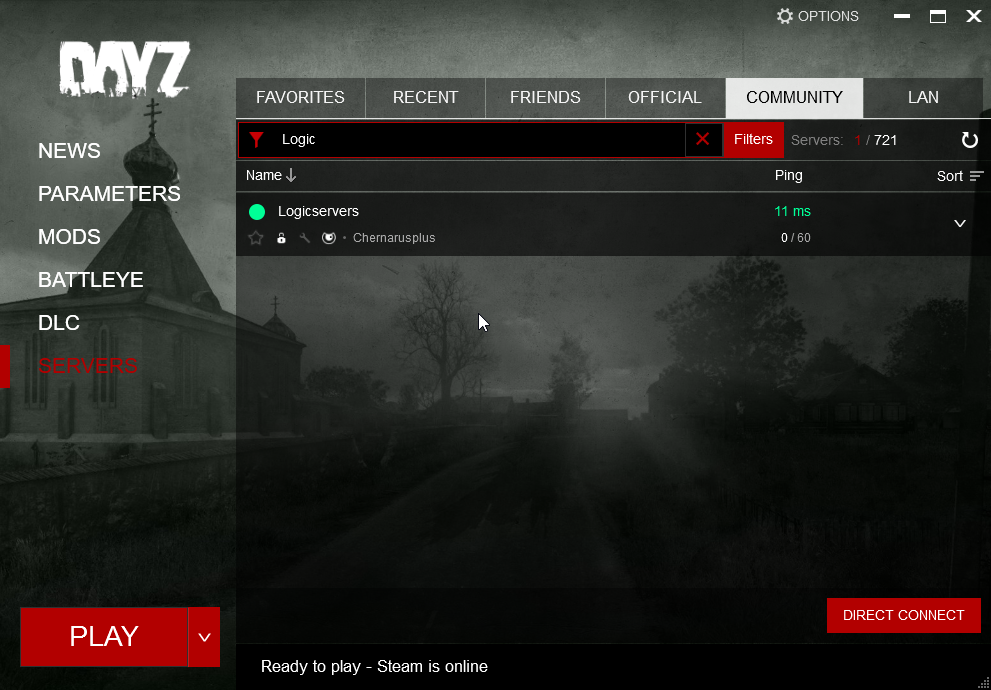
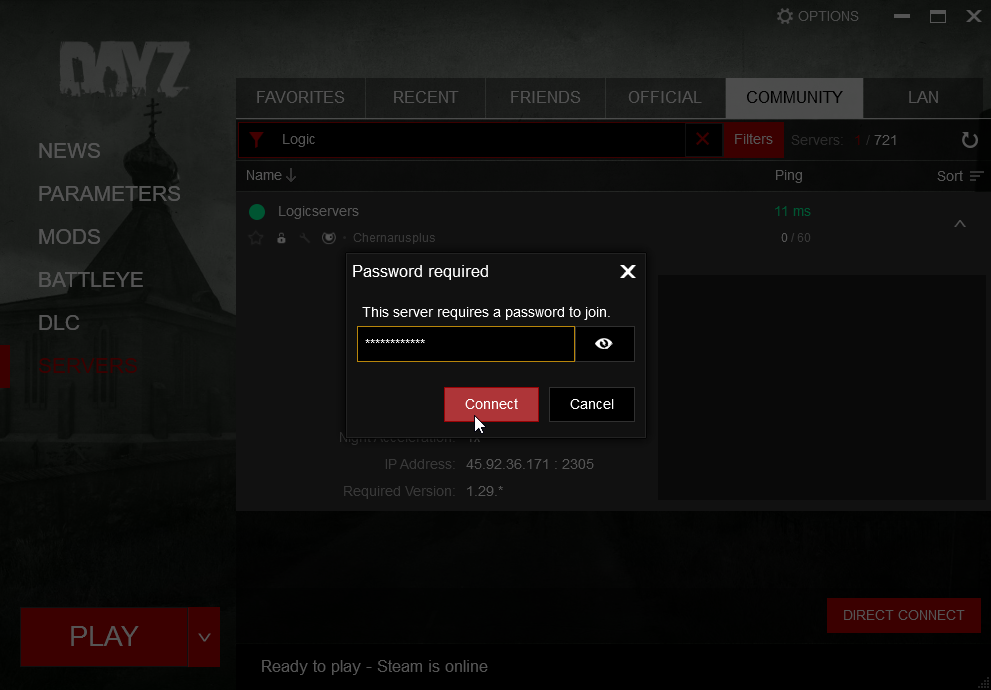
- Start DayZ and search for your server name in the server browser.
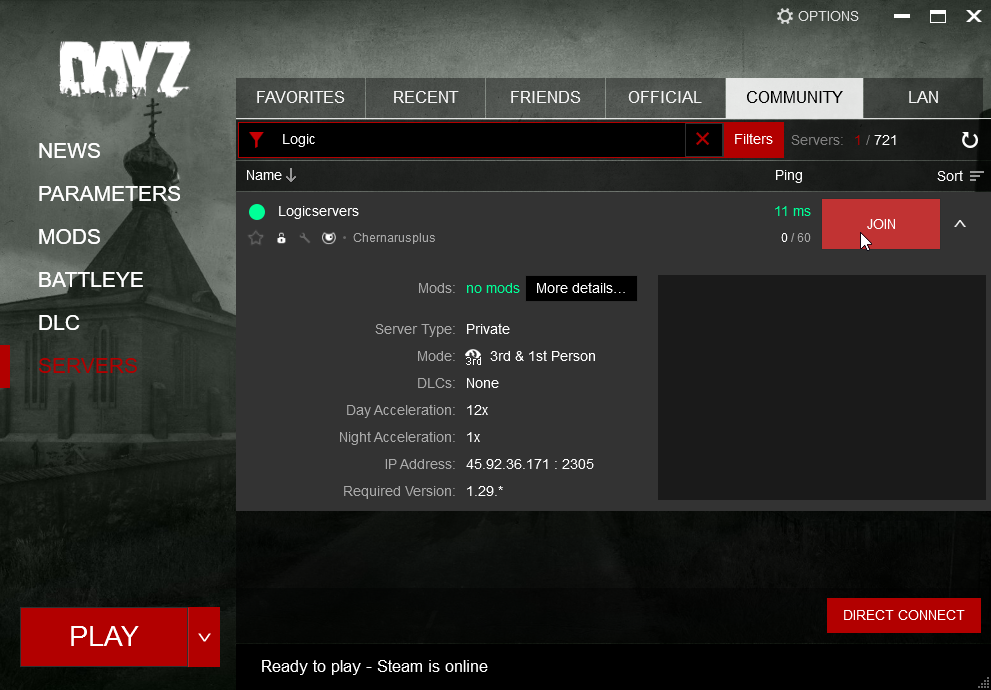
- Select the server and check the expanded details, including map, version, mods, IP, and port.
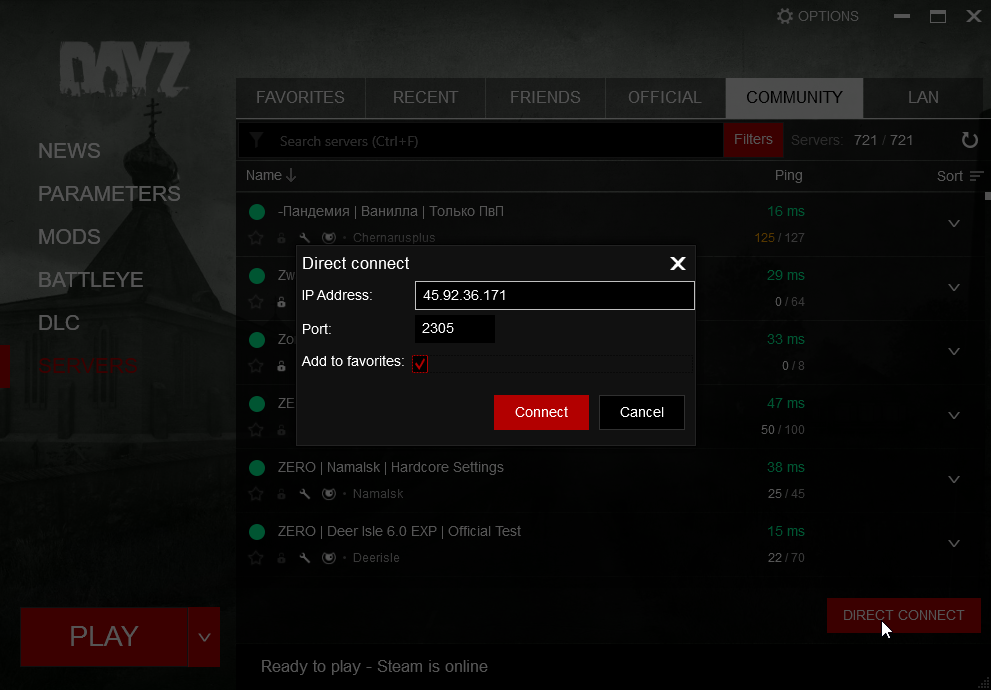
- If the server does not appear in search, use Direct Connect and enter the server IP and game port.
- If the server requires a password, enter the server password when prompted.
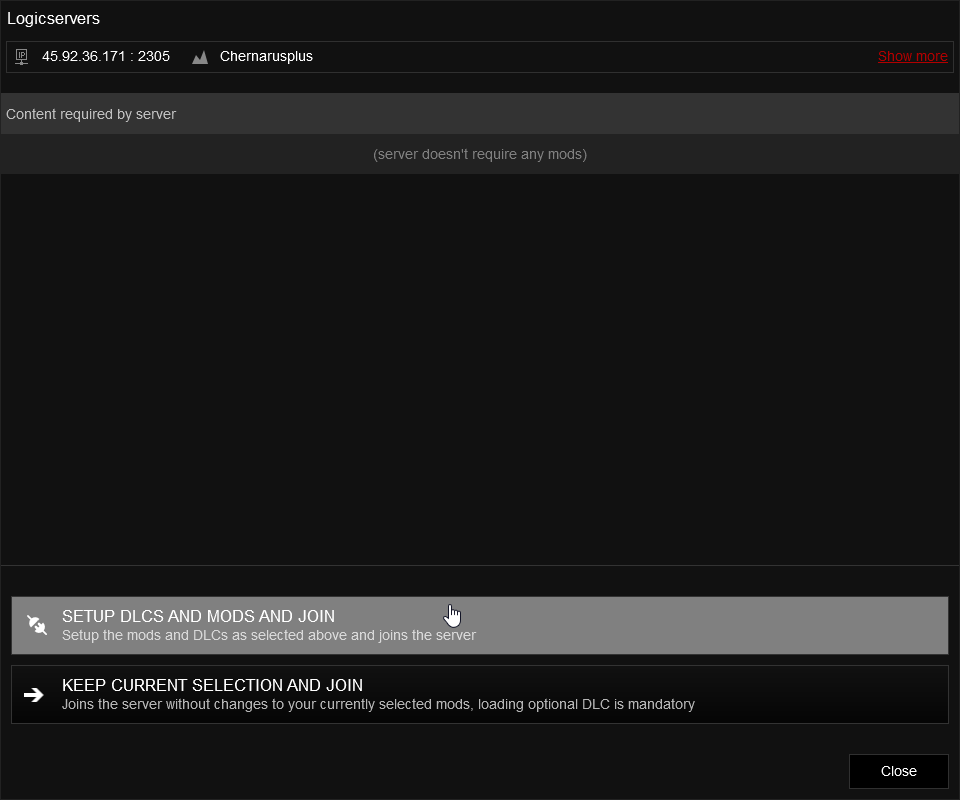
- Review the Mods and DLC screen, then continue. This screen will show whether any required mods are missing.
If the server does not show in the public browser immediately, use direct IP and check that the server has fully started.
