On this DayZ service, BattlEye RCON access is configured by setting the RCon Password in BEServer_x64.cfg. There is not a separate enable/disable toggle exposed in the Config Editor; treat this guide as the RCON password and access setup.
- Open your DayZ server in the control panel.
- Click Configuration Files.
- Open
BEServer_x64.cfgwith Config Editor.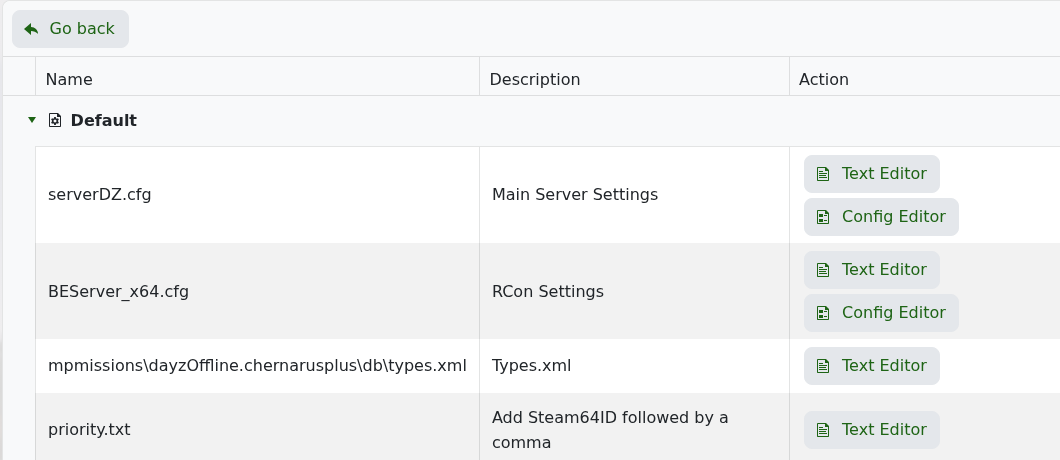
- Enter a strong RCon Password.
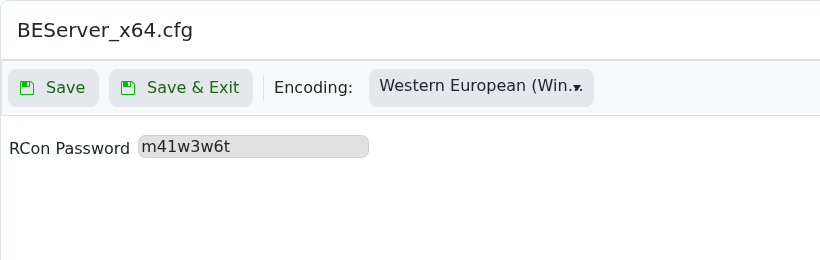
- Click Save & Exit, then restart the server.
- Connect from a compatible BattlEye/DayZ RCON client using the server IP, the RCON port shown on the service home page, and the password you set.
Keep the RCON password private. Anyone with the RCON address and password can run administrative commands.
Command safety
Run commands exactly as shown and start with a harmless command where possible. Commands that spawn items, change players, or alter the world can affect active players immediately.
Troubleshooting
If a command fails, check that admin access or RCON is enabled, confirm the command syntax for your game version, and review the console output for the exact error message.
