DayZ whitelist access is controlled by whitelist.txt. Add each approved player character ID to the file, one per line, then restart the server. This is not the player's SteamID64; the panel template expects the 44-character DayZ player ID from the admin log.
- Ask the player to attempt to join the server once so their character ID appears in the logs.
- Open File Manager or Log Viewer and check the DayZ admin log, usually an
.ADMlog under the server profile/log folders. - Copy the full 44-character player ID from the log line for that player. Do not copy their display name only.
- Click Configuration Files.
- Open
whitelist.txtwith Text Editor.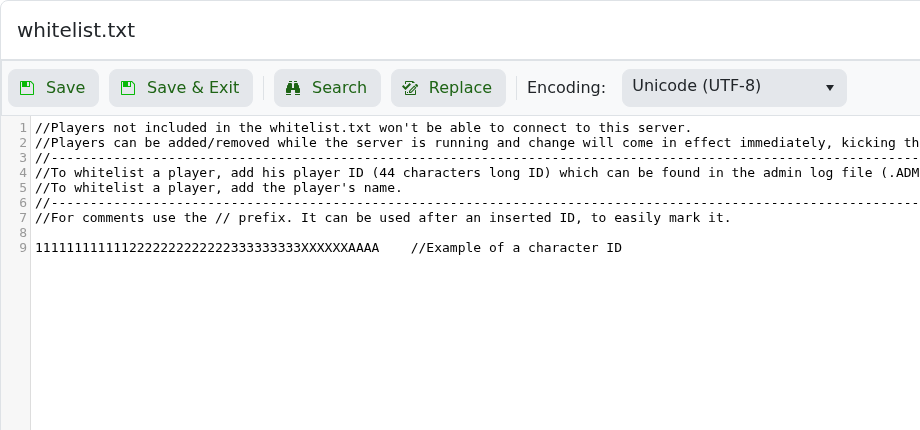
- Add one player ID per line. Keep comments starting with
//on their own lines. - Click Save & Exit, then restart the server.
The file comments show the expected structure: a 44-character player ID followed by an optional comment. If you cannot find the ID in logs, submit a support ticket with the player name and approximate join time.
