Return to Moria 将玩家访问规则存储在 MoriaServerPermissions.txt 中。仅在服务器停止时编辑此文件,然后添加玩家的游戏内账号名并授予 Blocked 权限。
- 在控制面板中打开您的 Return to Moria 服务器。
- 停止服务器并等待其完全离线。
- 点击 Configuration Files。
- 在
MoriaServerPermissions.txt旁点击 Text Editor。 - 添加一行,格式为
ACCOUNT_NAME = Blocked,将ACCOUNT_NAME替换为玩家的准确账号名。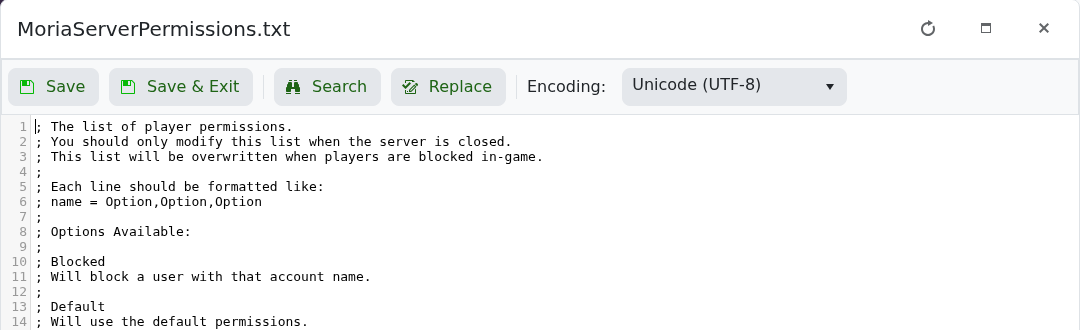
- 点击 Save & Exit,然后启动服务器。
当玩家在游戏内被封禁时,游戏可能会覆盖此文件,因此请勿在服务器运行时编辑它。若要允许该玩家重新加入,请停止服务器,删除他们的 Blocked 行,保存并重新启动服务器。
