Rising World 从 Plugins 文件夹加载服务器插件。请下载与当前游戏版本匹配的插件,因为为旧版 Java 制作的插件无法在当前版本中使用。
- 阅读插件的安装页面并下载所有必需的依赖项。
- 在您的电脑上解压下载文件。每个插件应有自己的文件夹,其中包含其
.jar文件以及提供的资源或库。 - 在控制面板中打开你的 Rising World 服务器,进行一次 备份,然后停止它。
- 点击 File Manager 并打开
Plugins文件夹.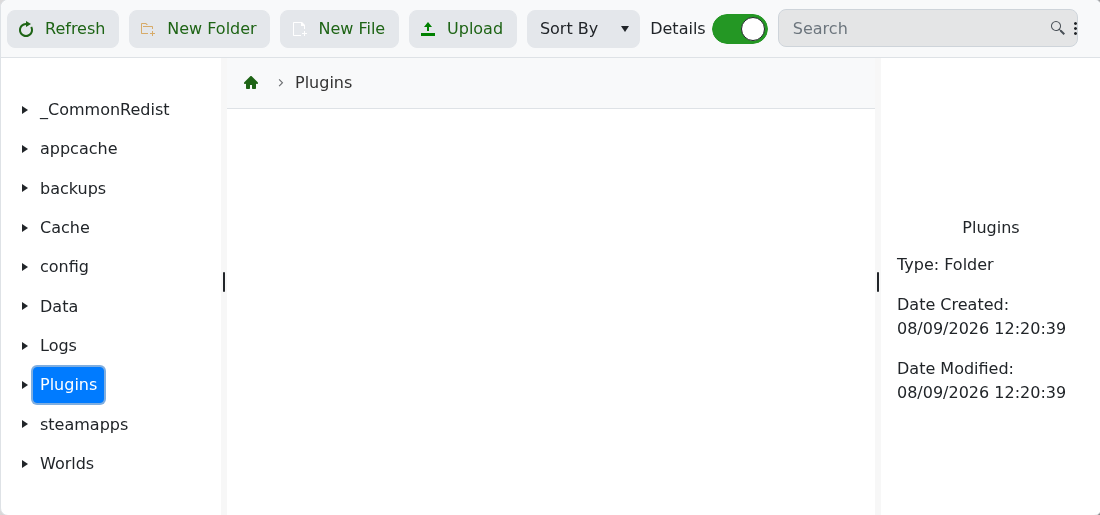
- 上传完整的插件文件夹。如果它包含大量文件,请使用 FTP with FileZilla。
- 启动服务器,并在 Log Viewer 或 Web Console 中检查插件的启动信息或错误。
如果服务器无法启动,删除该插件文件夹并重试。在重新安装之前,请检查该插件是否支持您安装的 Rising World 版本,且没有缺失任何依赖项。
