Blackwake 的主要设置位于 server.cfg 的 Config Editor 中。还有单独的编辑器用于管理管理员、版主和公告。
- 打开服务,进行备份,然后停止服务器。
- 点击 Configuration Files。当前面板列出
server.cfg、Admin.txt、Mod.txt和ServerAnnouncements.txt。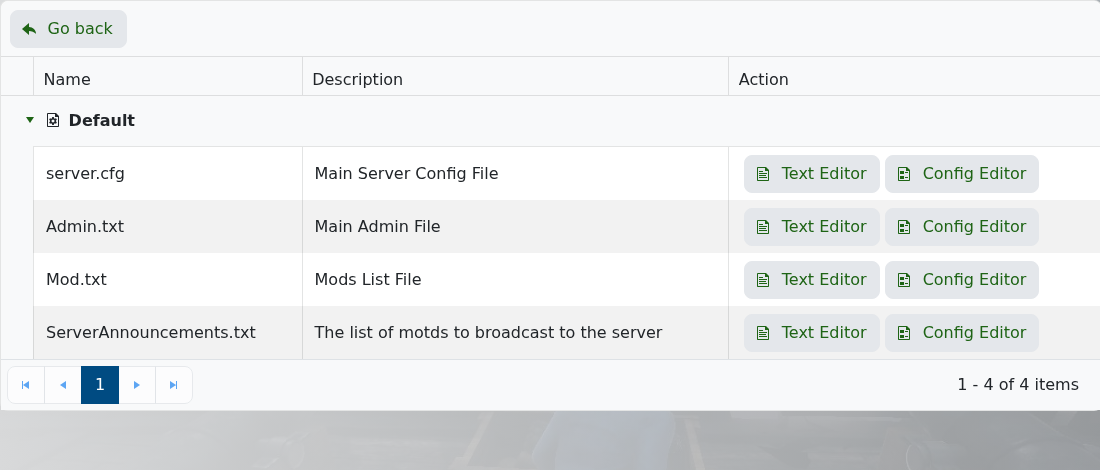
- 打开相应的 Config Editor,仅更改所需的设置,然后点击 Save & Exit。
- 启动服务器并测试结果,然后再进行下一组更改。
server.cfg 编辑器包含服务器名称、密码、游戏模式、重启小时、船只速度、玩家更新率、服务器列表可见性和友军伤害选项。
