这是一篇关于“为您的Minecraft服务器添加自定义域名”的旧指南,如果你仍在使用 Multicraft,可以继续参考。我们的新 Minecraft 服务器使用不同的控制面板。有关更新后的指南,请查看: How to add a custom domain to your Minecraft server.
在本指南中,我们将教您如何将自定义域名用于您的Minecraft服务器。
步骤 1
登录到您的面板,并停止您的服务器。导航到‘Domain’部分。

步骤 2
输入您希望用于服务器的域名,然后点击仪表板底部的‘Save’按钮。
注意:如果您输入的域名已被使用,您将收到错误信息。如果您认为这是一个错误,请通过工单联系我们。

步骤 3
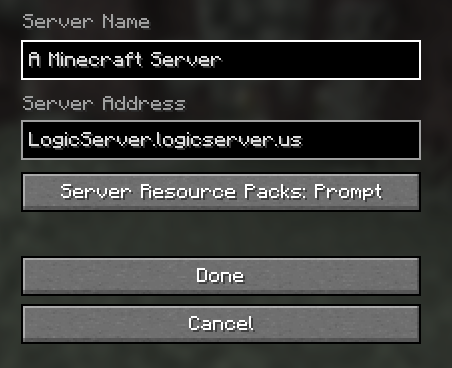
启动您的服务器,并输入完整的域名。完成后,您应该能够使用您的域名连接到服务器。