如果您想在不使用完整白名单的情况下保持7 Days to Die服务器的私密性,密码是非常有用的。玩家需要在加入之前输入密码。
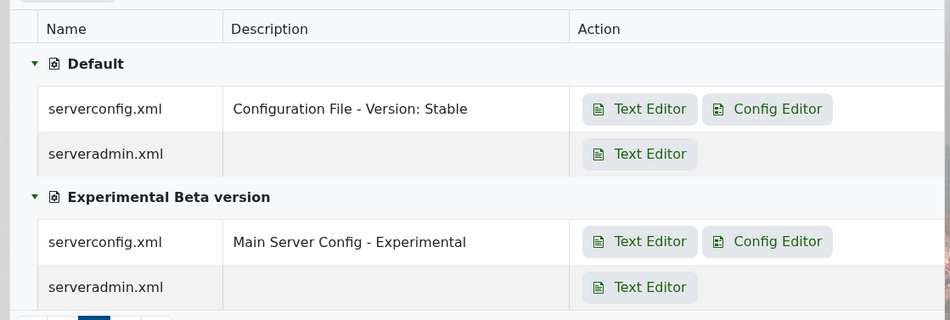
在控制面板中打开您的7 Days to Die服务,然后进入配置文件。使用文本编辑器打开serverconfig.xml。
在文件顶部附近查找ServerPassword行,就在服务器名称和网站设置下方。
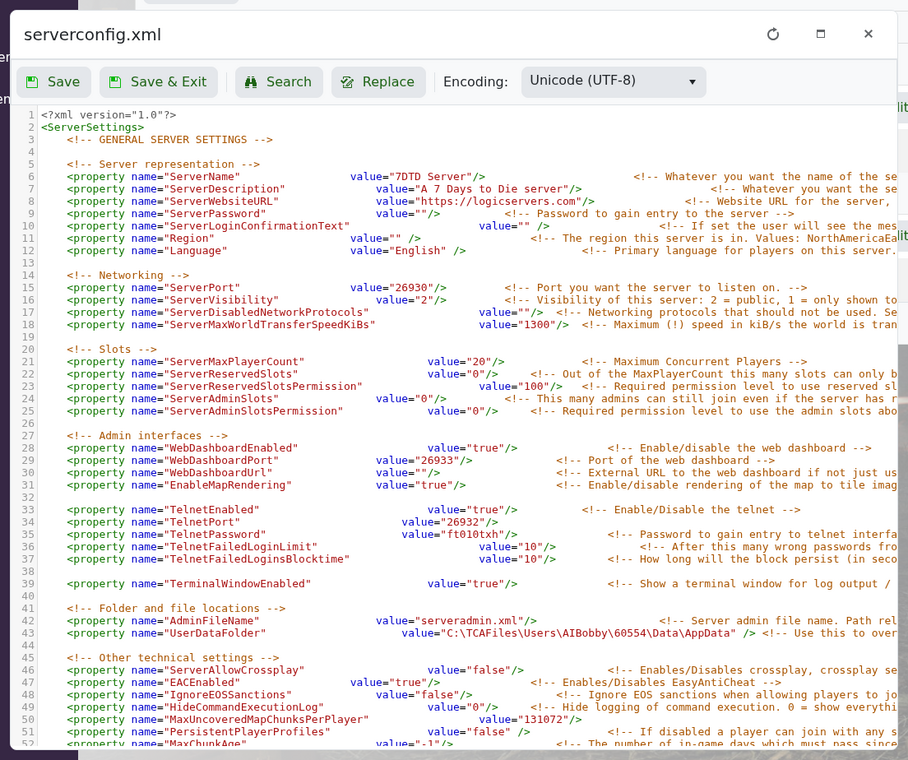
要设置密码,请在值中输入:
<property name="ServerPassword" value="MyPasswordHere"/>
要移除密码,请将其留空:
<property name="ServerPassword" value=""/>
保存文件并重启服务器。如果玩家在加入时遇到问题,尝试使用没有空格或特殊字符的简单密码。
