Shigo Islands is installed as Workshop content, then selected from the ARK startup options using the map name required by the map author. Shigo Islands is a custom Workshop map. Because it is not just a normal config toggle, you must install the Workshop item first and then tell ARK to start with the ShigoIslands map value.
- Take a backup before adding Shigo Islands to an existing server: Backing up and restoring world and player data on your ARK server.
- Copy the Shigo Islands Workshop ID,
661564024, from Steam Workshop. - Read the Shigo Islands Workshop page for any map-specific notes. The startup map value used here is
ShigoIslands. - Use Install Mods in the panel and enter
661564024.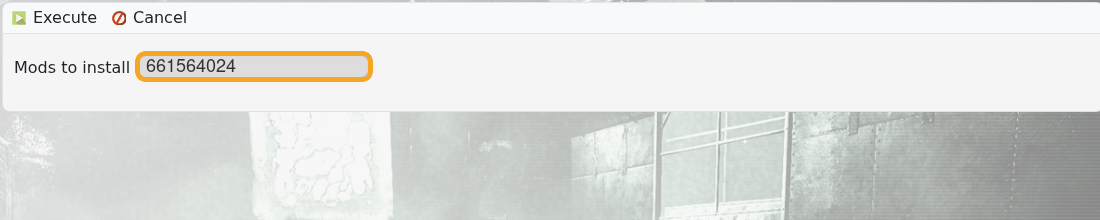
- Wait for the Workshop download task to complete.
- Go to Commandline Manager and edit or create the command line that should run Shigo Islands: Creating a custom command line on your ARK server.
- Tick the Map option and enter
ShigoIslands.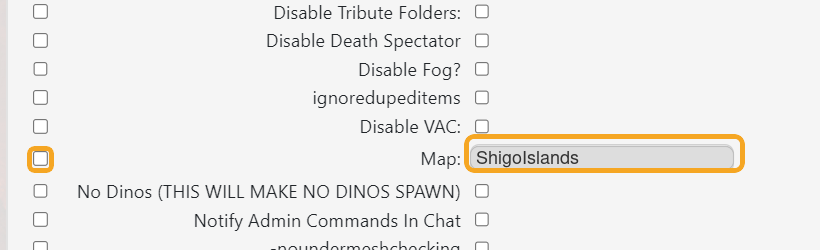
- Save the command line, select it, then restart the server.
For Workshop maps, the Workshop ID and map value are separate. Shigo Islands needs both values set correctly.
