Valguero combines several ARK biome styles in one DLC map, including an Aberration-style underground zone and large buildable regions. The server needs the Valguero_P map value selected before restart.
- Back up the server before changing the active map: Backing up and restoring world and player data on your ARK server.
- Open the ARK service in TCAdmin.
- Click Commandline Manager.
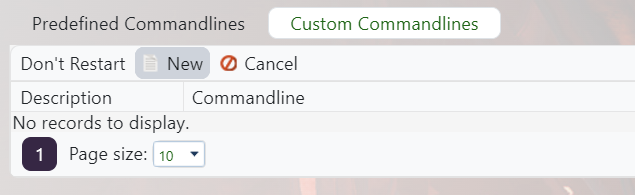
- Set up a Valguero command line, or edit the selected one if the server should always run Valguero: Creating a custom command line on your ARK server.
- Tick Map, then enter
Valguero_Pexactly.
- Save the command line, select it, and restart the server.
Valguero uses the Valguero_P startup value, not just Valguero. Copy it exactly to avoid booting the wrong map.
