The ARK admin password is used with enablecheats so admins can run commands from the in-game console. Change it if it has been shared too widely or if staff access changes.
- Open your ARK server in the control panel.
- Click Commandline Manager.
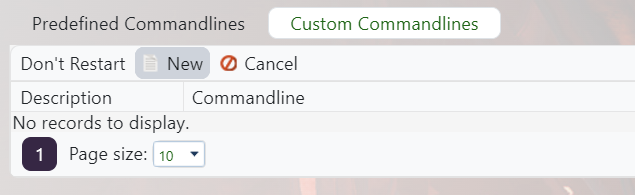
- Edit the selected command line, or create a custom command line if needed: Creating a custom command line on your ARK server.
- Tick the checkbox next to Admin/RCON Password, then set the new admin password.

- Save the command line, select it if needed, then restart the server.
- Join the server and test the password with:
enablecheats NEWPASSWORD
For permanent admin access without sharing the password, add staff SteamID64 values to AllowedCheaterSteamIDs.txt: Using admin commands, and whitelisting admins on your ARK server.
