Primitive Plus is a total conversion for ARK, so it is enabled from the server command line/startup options rather than by changing the normal map field.
- Back up the server first: Backing up and restoring world and player data on your ARK server.
- Open your ARK server in the control panel.
- Click Commandline Manager.
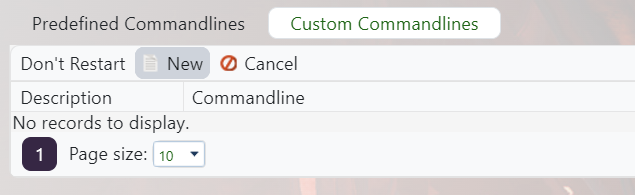
- Edit the selected command line, or create a custom command line if needed: Creating a custom command line on your ARK server.
- Tick the checkbox next to Total Conversion, then enter the Primitive Plus total conversion value
111111111.
- Save and select the command line, then restart the server.
Primitive Plus support can vary by ARK build. If the server fails to start after enabling it, remove the total conversion value, restart, then submit a support ticket with the latest server log.
