Ragnarok is a large official ARK map with varied biomes, caves, desert areas, and wyvern zones. Use this when you want the server to start directly on Ragnarok using the built-in map value.
- Back up the current world before switching to Ragnarok: Backing up and restoring world and player data on your ARK server.
- Open the server in your game control panel.
- Click Commandline Manager.
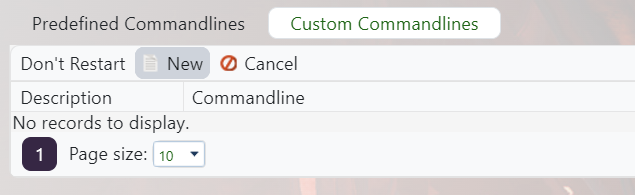
- Create a Ragnarok command line, or edit the selected one if this will be the server's main map: Creating a custom command line on your ARK server.
- On the command line form, enable Map and enter
Ragnarok.
- Save the command line, select it from the list, and restart the service.
Ragnarok is a built-in map value, so you do not need to install a Workshop ID for it. If it loads the old world, the wrong command line is probably still selected.
