Crystal Isles is an official ARK map known for floating islands, bright fantasy biomes, and crystal wyverns. Use the CrystalIsles map value in the command line so the server starts on that world.
- Back up first if the server already has an existing world: Backing up and restoring world and player data on your ARK server.
- Open the ARK server from your control panel.
- Choose Commandline Manager.
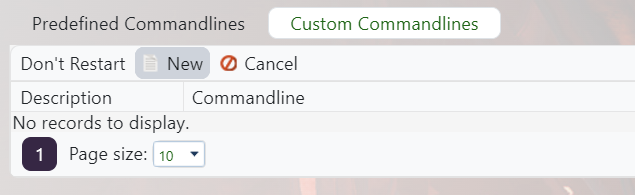
- Add a Crystal Isles command line, or edit your current startup profile if you are replacing the old map: Creating a custom command line on your ARK server.
- Tick the Map option and set the value to
CrystalIsles.
- Save, select the command line, and restart so ARK generates or loads the Crystal Isles save.
Crystal Isles is available as an official map value on modern ARK servers. Do not add an old Workshop version unless you specifically need that separate Workshop map.
