The main Pantropy runtime log is logs/output_log.txt. It records the installed version, ports, world loading and errors from the current process.
- Open File Manager and select
logs. - Open or download
output_log.txt.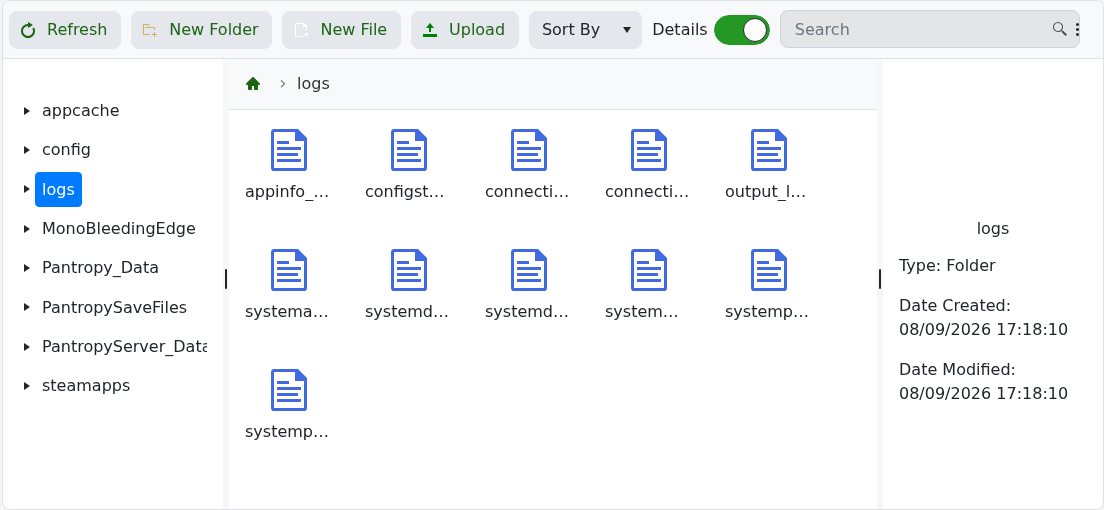
- For a failed start, search from the most recent startup and deal with the first relevant error.
Dedicated Unity servers can report graphics or shader warnings because they run without a display. Concentrate on messages about ports, save loading, authentication or a crash near the end of the file.
