This guide will teach you how to obtain and use command blocks in Minecraft.
Step 1
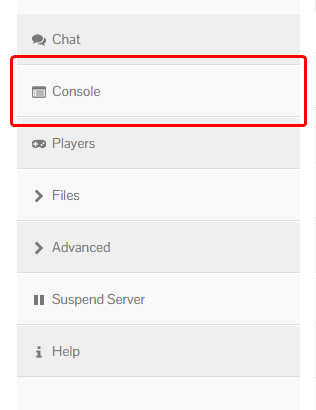
Ensure that you are an admin on your own server. You’ll want to open up your Console, and type the following command, replacing your username with <USERNAME>:
op <USERNAME>
For example, if your username was Herobrine, you’d type:
op Herobrine
Note: Make sure not to use slashes in the console!
Step 2
To obtain a command block, you’ll need to use a command as it cannot be found in the traditional creative inventory.
You can use the following command to give yourself a command block for use:
/give @p command_block 1

Step 3
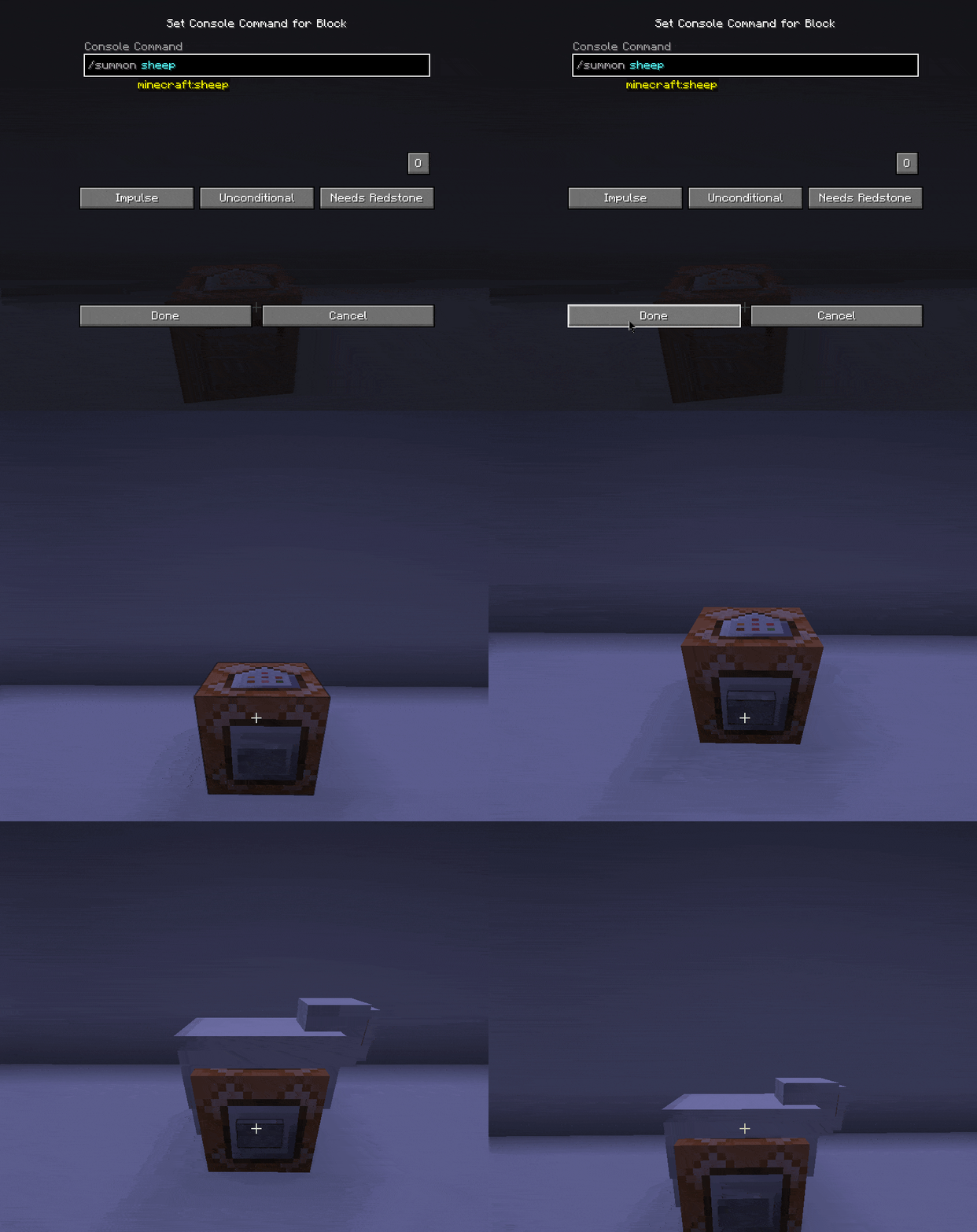
Once placed down, it will open a menu that you can input commands. If you input a command and give the command block a redstone input, it will run the command.
For example, if you type the following into the command block, it will spawn a sheep on the command block:
/summon sheep
You should now know the basics of obtaining and using a command block!
If you wish for some further reading, check out the official Minecraft wiki:
https://minecraft.wiki/w/Tutorial:Command_blocks_and_functions
