This is an old guide for "Adding a custom domain to your Minecraft server", which you can use if you still use Multicraft. Our new Minecraft servers use a different control panel, for an updated guide, please check out: How to add a custom domain to your Minecraft server.
In this guide, we’ll teach you how to use our custom domains with your Minecraft server.
Step 1
Log in to your panel, and stop your server. Navigate to the ‘Domain’ section.

Step 2
Input whatever you wish to use for your server’s domain, and click the ‘Save’ button at the bottom of your dashboard.
Note: You will get an error if the domain you input is already in use. Please contact us via tickets if you think this is an error.

Step 3
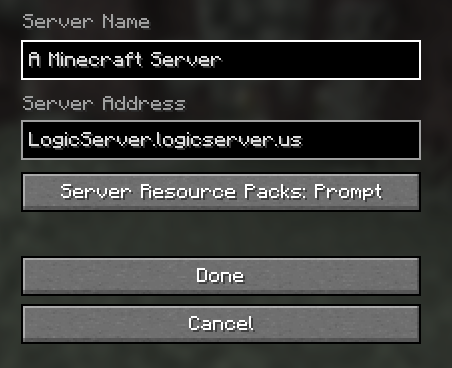
Start your server, and input the domain in its entirety. Once you do that, you should be able to connect to your server with your domain.