How to find and join your Voyagers of Nera server

Voyagers of Nera servers are joined through the in-game browser using the server name configured in the panel.

  1. Start the server and wait a few minutes for it to register.
  2. Launch Voyagers of Nera through Steam and select Browse Games.
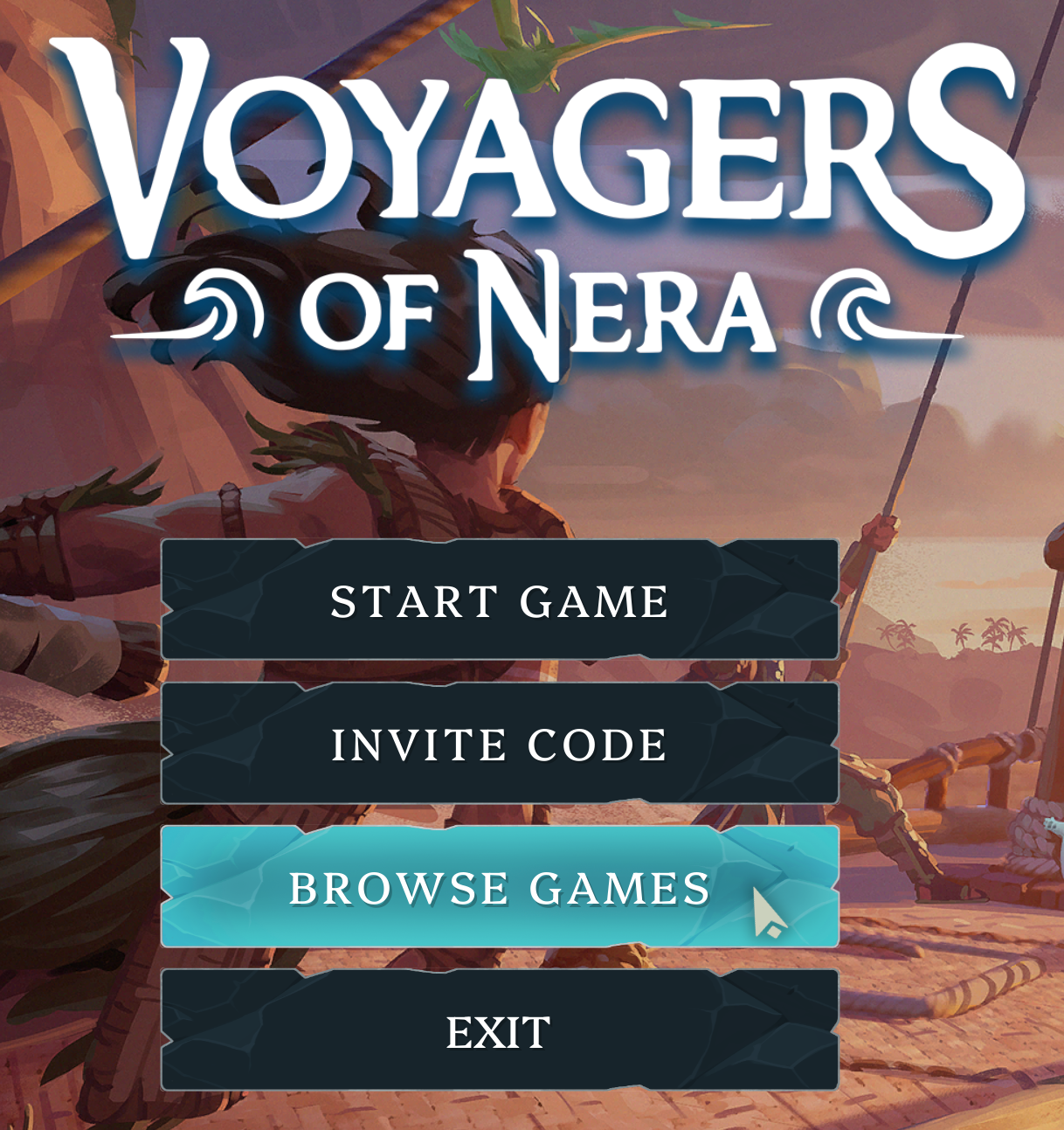
    Voyagers of Nera Browse Games option

  3. Search for the server name. A partial name is usually enough.
  4. If the server has a password, turn off Only Joinable Server so password-protected results are shown.
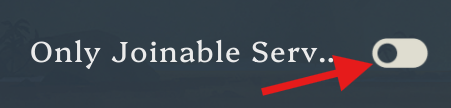
    Voyagers of Nera Only Joinable Server filter

  5. Select the result and click Join Game.
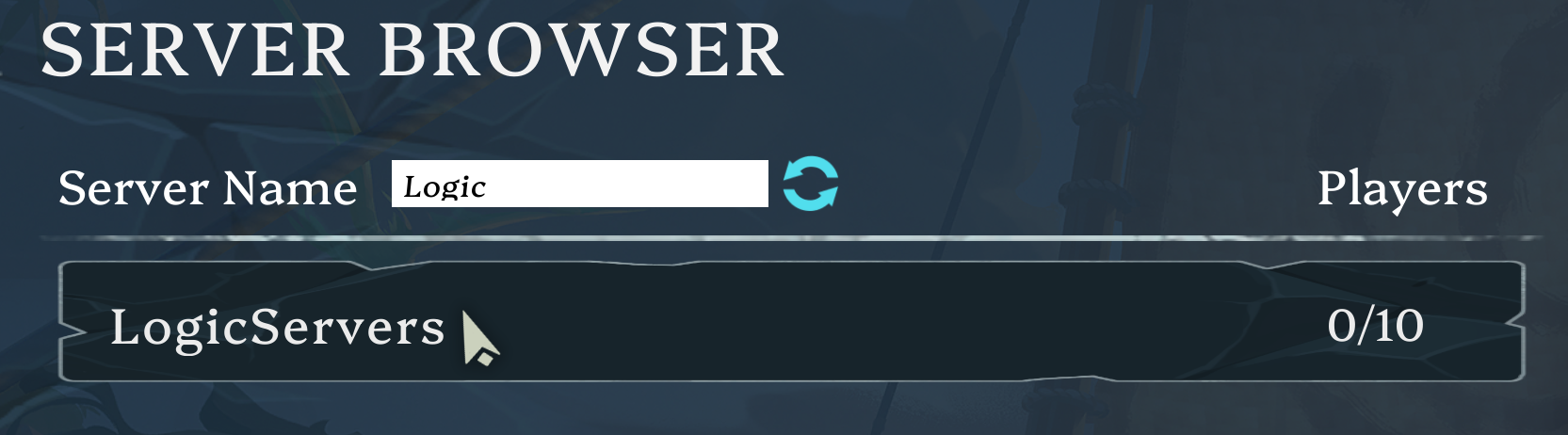
    Voyagers of Nera Join Game button

If the server is missing, check that it is running, search the exact configured name and update both the client and server before trying again.

  • 0 Users Found This Useful
Was this answer helpful?

Related Articles

How to back up your Voyagers of Nera server

Create a backup before changing server settings, updating the game or working with persisted...

How to change your Voyagers of Nera server name

The server name is stored in CustomHostServerUserSettings.ini and is available through the basic...

How to change your Voyagers of Nera server password

A join password keeps the server private. It is stored beside the server name in...

How to change the autosave interval on your Voyagers of Nera server

The basic configuration editor exposes Auto Save Timer. The current package default is 300. Stop...

How to change gathering resource and XP rates in Voyagers of Nera

Gathering, resource respawn and experience rates are in CustomGameUserSettings.ini. Back up and...