Detailed Soulmask rates and world rules are stored in GameXishu.json. Its setting names are written in pinyin, so keep a copy of the working file and change only values you can identify confidently.
- Create a panel backup, download a separate copy of
GameXishu.json, then stop the server. - Open Configuration Files and click Text Editor beside
GameXishu.json.
- Find the required key in each numbered top-level section and change the corresponding value consistently.
- Keep all quotes, commas, braces and key names intact, then click Save & Exit.
- Start the server and test the changed behaviour in game before editing another group of values.
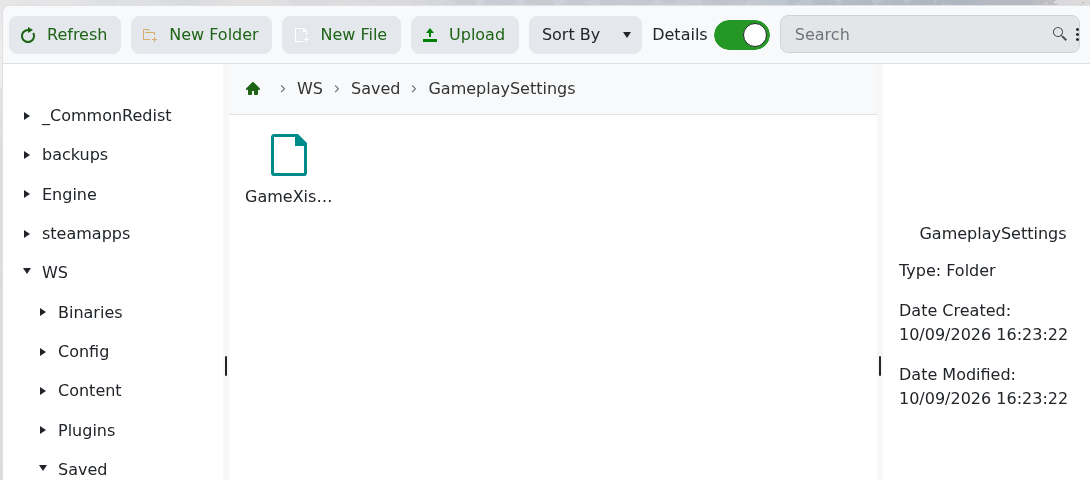
The live file is also stored at WS/Saved/GameplaySettings/GameXishu.json.
A test change to ExpRatio in all three sections persisted after a server start and was recovered by Restore Backup. Persistence does not prove that every game setting accepts every value, so retain the original file and make small changes.
