The current Windows package stores its dedicated world below WS/Saved/Worlds/Dedicated.
- Stop the server before copying or replacing world data.
- Open File Manager and browse to
WS,Saved,Worlds, thenDedicated.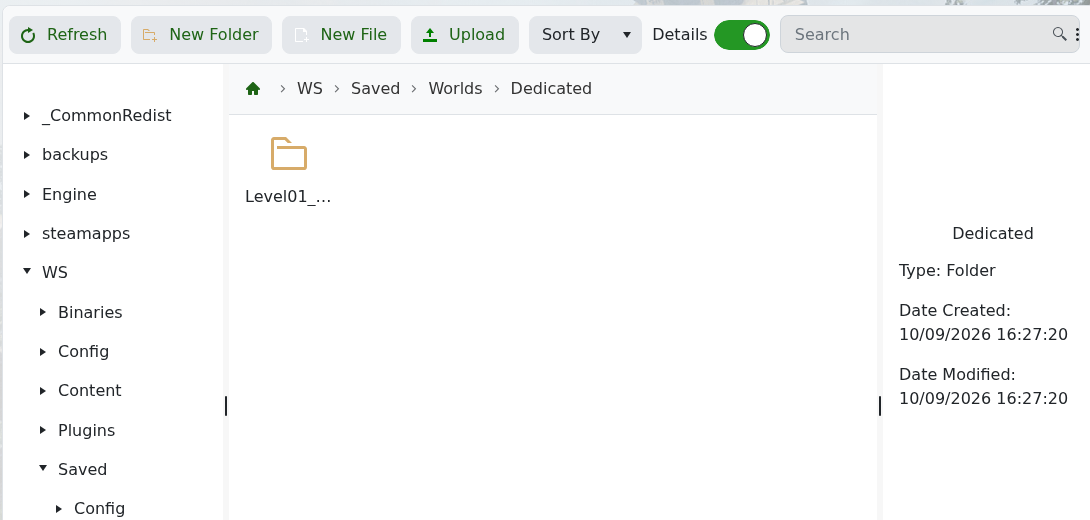
- Download the complete level folder rather than selecting individual database files.
- Keep
WS/Saved/GameplaySettings/GameXishu.jsonwith the world copy if you also need its rates and rules.
Do not rename or replace the active level folder while the service is running. After any transfer, start the server and confirm the expected characters, tribes and buildings before deleting the previous copy.
