The current Soulmask runtime log is WS/Saved/Logs/WS.log. Older sessions are retained as dated WS-backup log files.
- Reproduce the problem once and note the time.
- Open More and choose Log Viewer, or browse through File Manager to
WS/Saved/Logs.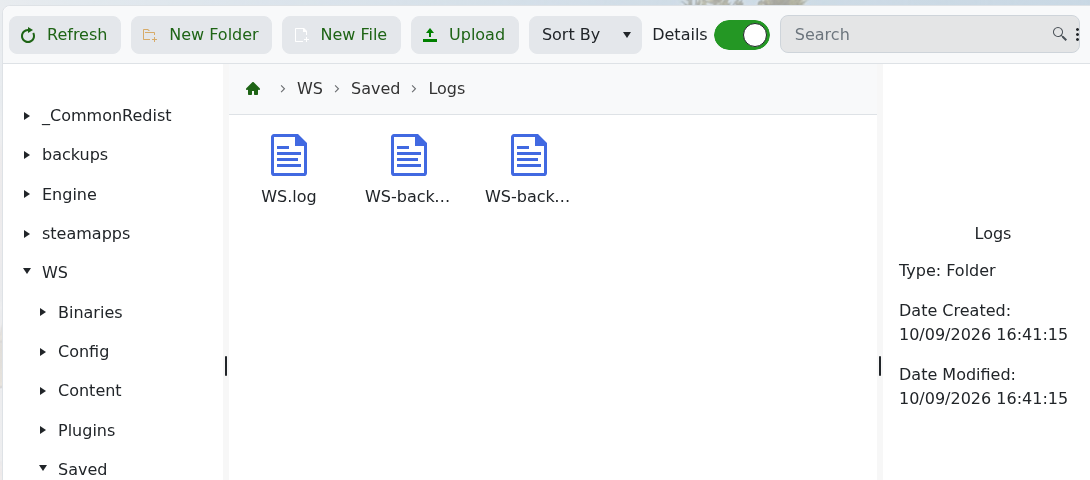
- Open
WS.logand find the first error around the time of the problem.
For startup failures, begin at the latest server launch rather than the final repeated message. Include the relevant lines and the last configuration or update change when contacting support.
