Sons of the Forest lists internet servers in its dedicated server browser. Search for the exact ServerName set in dedicatedserver.cfg.
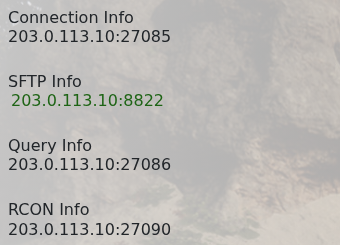
- Open the service in TCAdmin and check that its status is Running. The game address is shown under Connection Info.
- Start Sons of the Forest and open Multiplayer, then Join.
- Open the dedicated server browser and search for your configured server name.
- Select the server, click Join and enter its password when asked.
If it does not appear immediately, refresh the list and allow Steam a few minutes to update it. Check the configured name and use the first error in Log Viewer if the service cannot remain Running.
