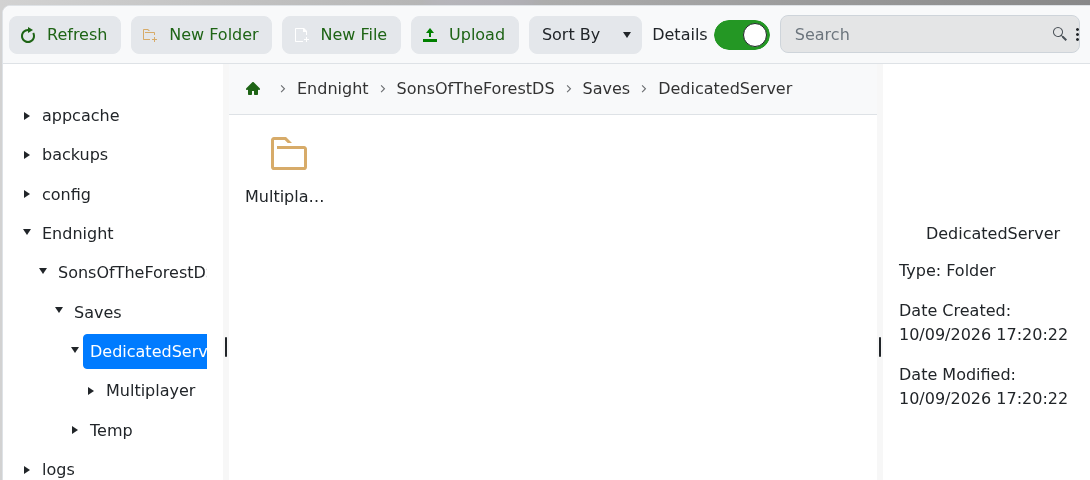
The current package stores its save controls in dedicatedserver.cfg. SaveInterval is measured in seconds and SaveSlot selects the numbered save slot.
- Create a backup, stop the server and open the Text Editor for
dedicatedserver.cfg. - Change
SaveIntervalorSaveSlotas required.
- Leave
SaveModeasContinueto load the selected slot, creating it only if it does not exist. - Click Save & Exit and start the server.
Do not leave SaveMode set to new: every restart can overwrite the selected slot with another new game. The live dedicated save is below Endnight/SonsOfTheForestDS/Saves/DedicatedServer/Multiplayer.