Run Steam Update after the game client receives a patch or when players see a version mismatch.
- Ask players to disconnect, then create a current backup.
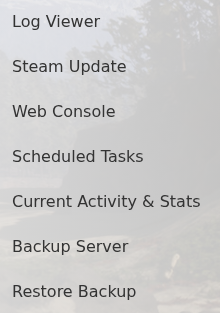
- Stop the server and click Steam Update.
- Wait for the update task to finish before starting the service.
- Update Sons of the Forest through Steam and reconnect.
Do not submit another update while the first task is processing. If the server fails its startup checks afterwards, open Log Viewer and read the first error from that launch.
