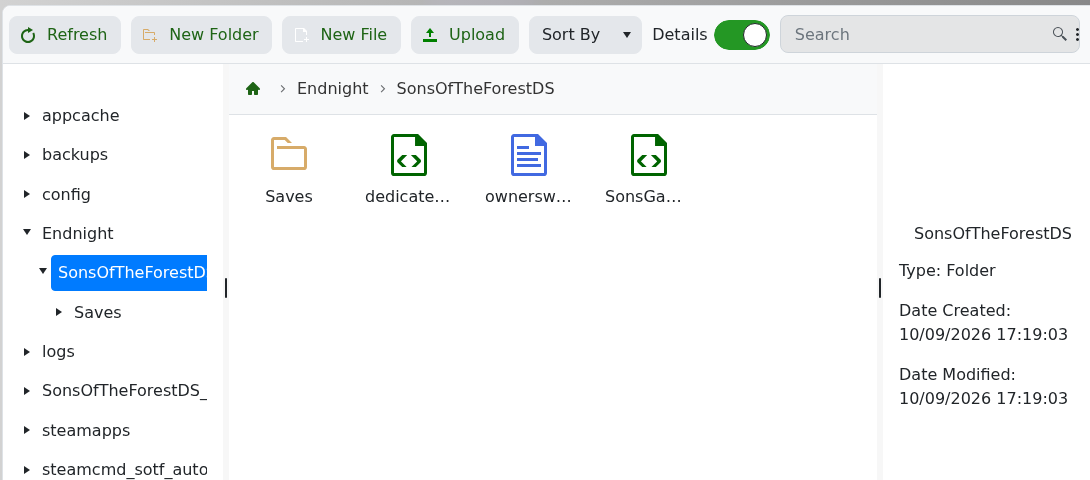
A live test confirmed that Restore Backup recovered the original dedicatedserver.cfg byte for byte. Create a backup before changing the world, difficulty or server configuration.
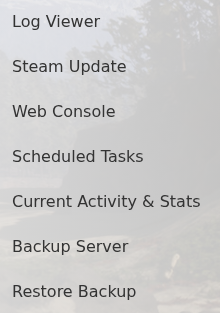
- Stop the server and click Backup Server.
- Confirm the action and wait for the backup task to finish.
To restore, leave the service stopped, click Restore Backup, select the required dated archive, tick Are you sure? and click Execute.

Start the server after the task finishes and confirm the expected world and settings. For a major migration, also download Endnight/SonsOfTheForestDS through SFTP so you retain an independent copy of the configuration and saves.