Start with TCAdmin Log Viewer when the server fails to start, disappears from the dedicated browser or reports an invalid configuration.
- Reproduce the problem once and note the time.
- Open the service and click Log Viewer.
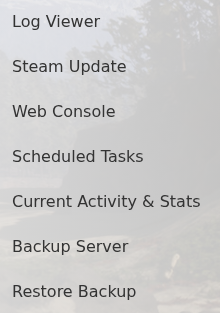
- Find the first error from the latest start. JSON errors usually point to a missing quote, comma or brace in
dedicatedserver.cfg.
To retain separate game log files, set LogFilesEnabled to true. With TimestampLogFilenames enabled, each launch creates a dated sotf_log file in the server user-data log folder. Enable verbose logging only for a short diagnostic run because it increases log size.
