Download FrozenFlame.log when you need to check a failed start, a connection problem or which map the server loaded.
- Open your Frozen Flame service in the game control panel and click Log Viewer.
- Find FrozenFlame.log and click Download on that row. Files with a dated
FrozenFlame-backup-name are older logs.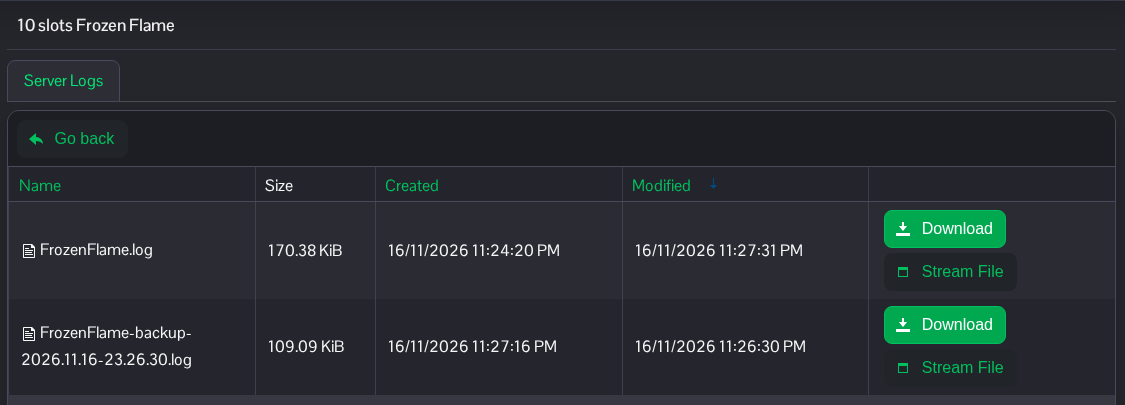
- Open the downloaded file in a text editor and search near the time the problem happened.
ProjectVersionidentifies the game build, andBrowse:shows the map being loaded.
The same logs are in FrozenFlame/Saved/Logs through File Manager, or use FTP. Logs can contain connection information and startup parameters, so check the contents before sharing them publicly.
