Use Steam Update to download and validate the Frozen Flame dedicated server files.
- Stop your server and create a backup.
- Open Steam Update. The update can start as soon as the page opens, so schedule it for a time when your players have finished.
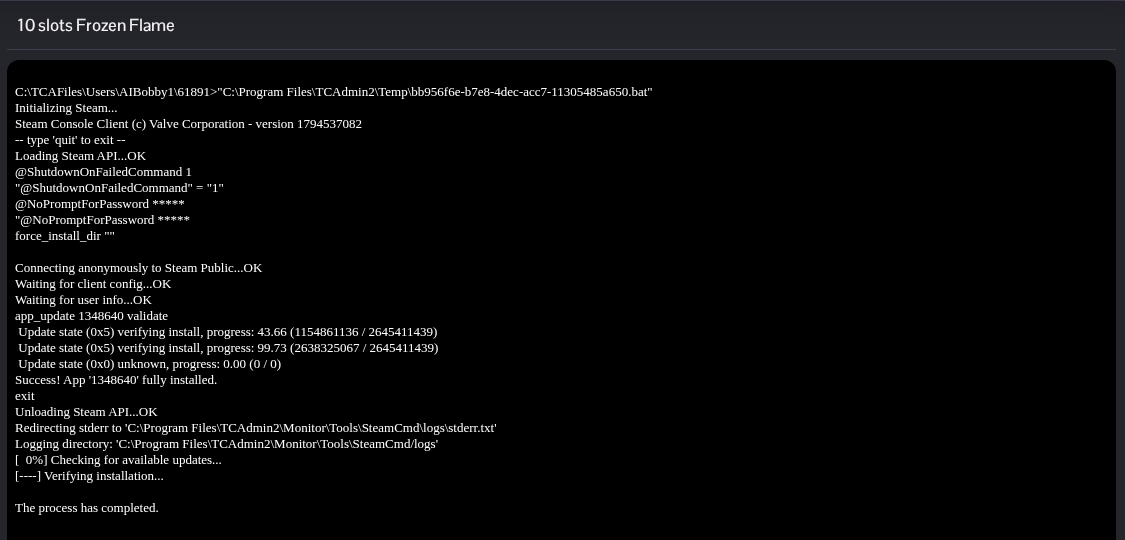
- Wait until SteamCMD reports that the application is fully installed and the process has completed. Leave the existing update running rather than opening another one.
- Return to the service page and start the server. Update your game client too if Steam has a newer version available.
