Panel backups include server_config.json, weapons.json and package files. Keep separate backups of any external databases your own packages use.
- Stop your Onset server and wait for Stopped.
- Click Backup Server and confirm with OK.
- Wait for the script to finish compressing and uploading the archive successfully. Check that the new dated ZIP appears in Restore Backup.
To restore an earlier copy, keep a separate copy of any newer files you still want, then stop the server.
- Open Restore Backup, select the dated ZIP and tick Are you sure?.
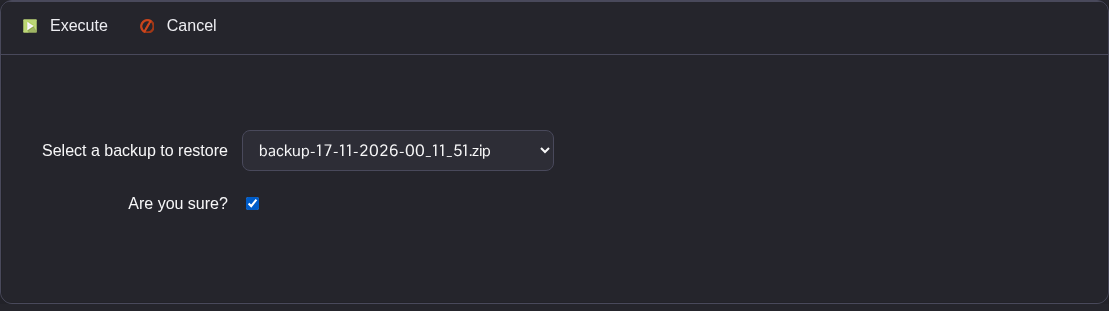
- Click Execute and wait for the successful completion message.
- Check the restored
server_config.jsonusing Text Editor, then start your server.
For an independent settings copy, open File Manager, right-click server_config.json in the root and choose Download. FTP is another way to keep a local copy.
