Use a custom command line to choose the map and mode used when CS2 starts. This example starts Competitive on Mirage.
- Log in to the game panel, open your Counter-Strike 2 service and Stop it.
- Open Commandline Manager, choose Custom Commandlines and click New. Give the entry a clear description such as
Competitive Mirage. - Tick the selection boxes beside +game_mode and +game_type. Set
+game_modeto1and+game_typeto0for Competitive. Casual uses0for both.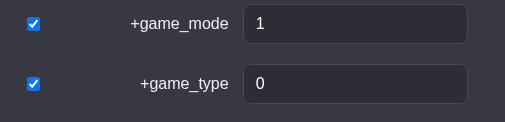
- Tick Map and choose
de_mirage, or choose another installed map from the list.
- Click Save, then click Select beside the saved command line. Scroll the command line table horizontally if the Select link is off the right edge.
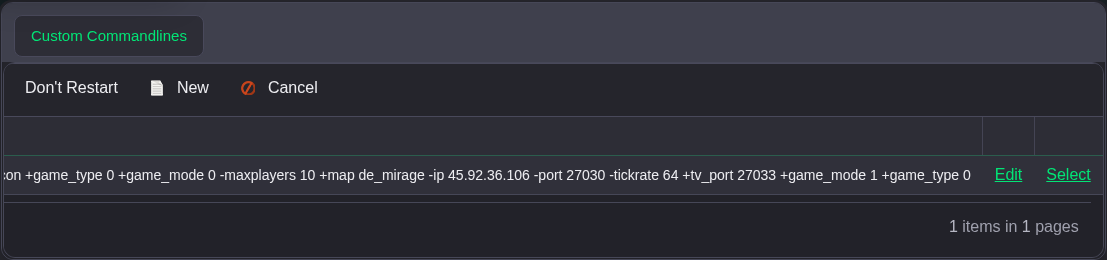
- Start the server. Check the map in the server browser and query
game_typeandgame_modethrough RCON to confirm the selected mode.
