You can upload an existing Factorio save if you already have a world on your own PC, or if you created a save locally with the settings, mods, or DLC setup you want to use.
On Windows, Factorio saves are usually stored in %AppData%\Factorio\saves. Factorio save files are .zip files.
Uploading your save
Before changing save files, stop your server and take a backup. This stops the server writing over files while you are uploading them.
Use the File Manager on the control panel to upload your save. If you would prefer to use FTP, please see our How to connect to FTP guide.
- Open your Factorio server in the control panel, then click File Manager.
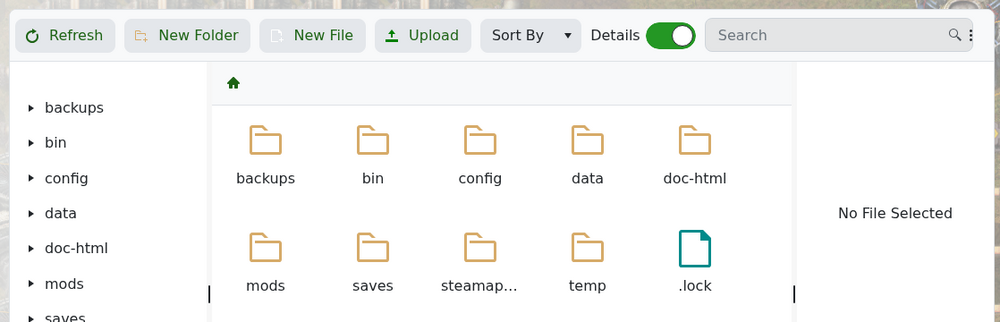
- Open the saves folder. If the folder does not exist yet, create a new folder called saves.
- Click Upload, then use Select files... or drag and drop your Factorio save .zip file into the upload window.
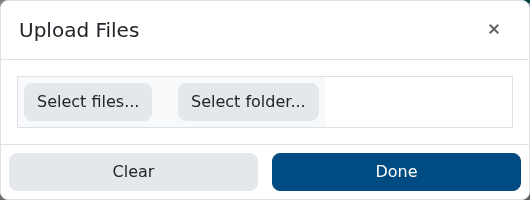
- Wait for the upload to finish.
- Start the server again.
If the server starts a different save, check the save filename first. The save in the saves folder needs to match the save file your server is configured to start. Some servers are configured to start save.zip, while the Create Map form defaults to newsave.zip to avoid overwriting that file by accident.
