Factorio server mods are uploaded to the server's mods folder. Players joining the server will need the same mods enabled in their Factorio client.
Uploading Factorio mods
Before adding or replacing mods, stop your server and take a backup.
Use the File Manager on the control panel to upload your mods. If you would prefer to use FTP, please see our How to connect to FTP guide.
- Download the mod .zip files you want to use from the Factorio mod portal.
- Open your Factorio server in the control panel, click File Manager, then open the mods folder.
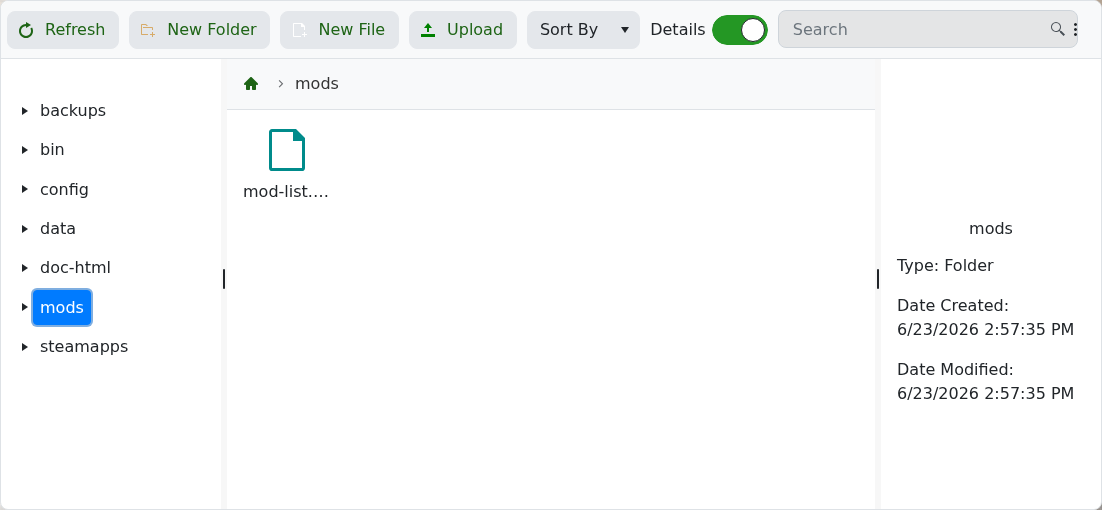
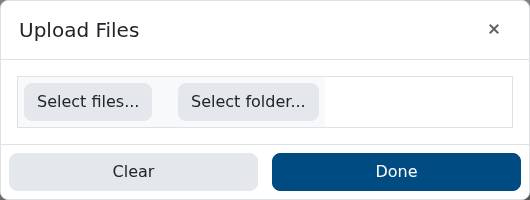
- Click Upload, then use Select files... or drag and drop the mod .zip files into the upload window.
- If the mod needs to be listed in mods/mod-list.json, create or edit that file so the mod is enabled.
- Start the server again.
The Mod Manager page on the panel is for installing Factorio server versions, not normal Factorio gameplay mods.
